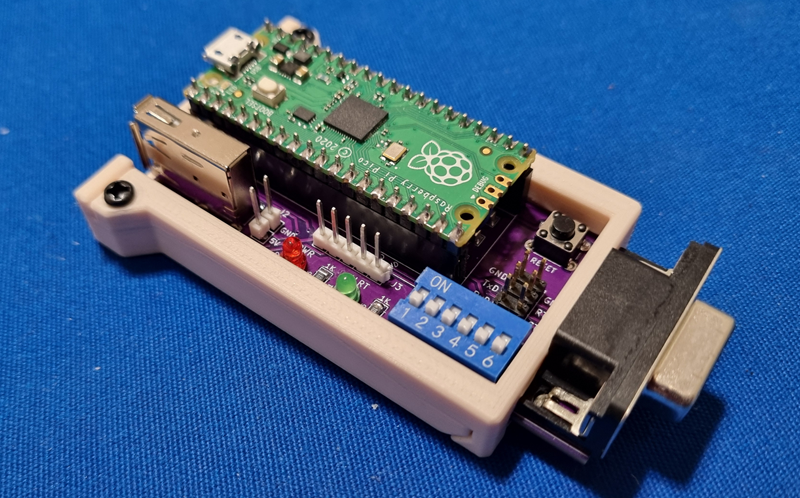
Since older computers requires using COM mouse, it is not always best comfort if you want to actually play something and not simply experience using old peripherals. So I quickly found a project that converts USB mouse input to serial using Pi Pico https://github.com/LimeProgramming/USB-serial-mouse-adapter
It is pretty simple project, but there are a few gotchas that eventually requires you desoldering components and it is not exactly explained in the manual. So lets fix that.
There are two types of final product – external and internal. External is mostly straightforward and well documented. The only thing to understand is that you will have to power Pi Pico from some 5V source. This is not ideal, but for testing purposes or some computers external is a good solution.


Now internal has a 3D model for a bracket and that’s basically it, you have to figure out everything else. USB1 port is optional if you plan on using it as internal only. But it might be useful for testing. Instead of simple pins for J2 and J3 it is much better to use JST XH connectors. Even though it was not designed for those, it fits perfectly fine. Order yourself some 2.54mm JST XH kit (you will need a special pliers too), it is always good to have some.
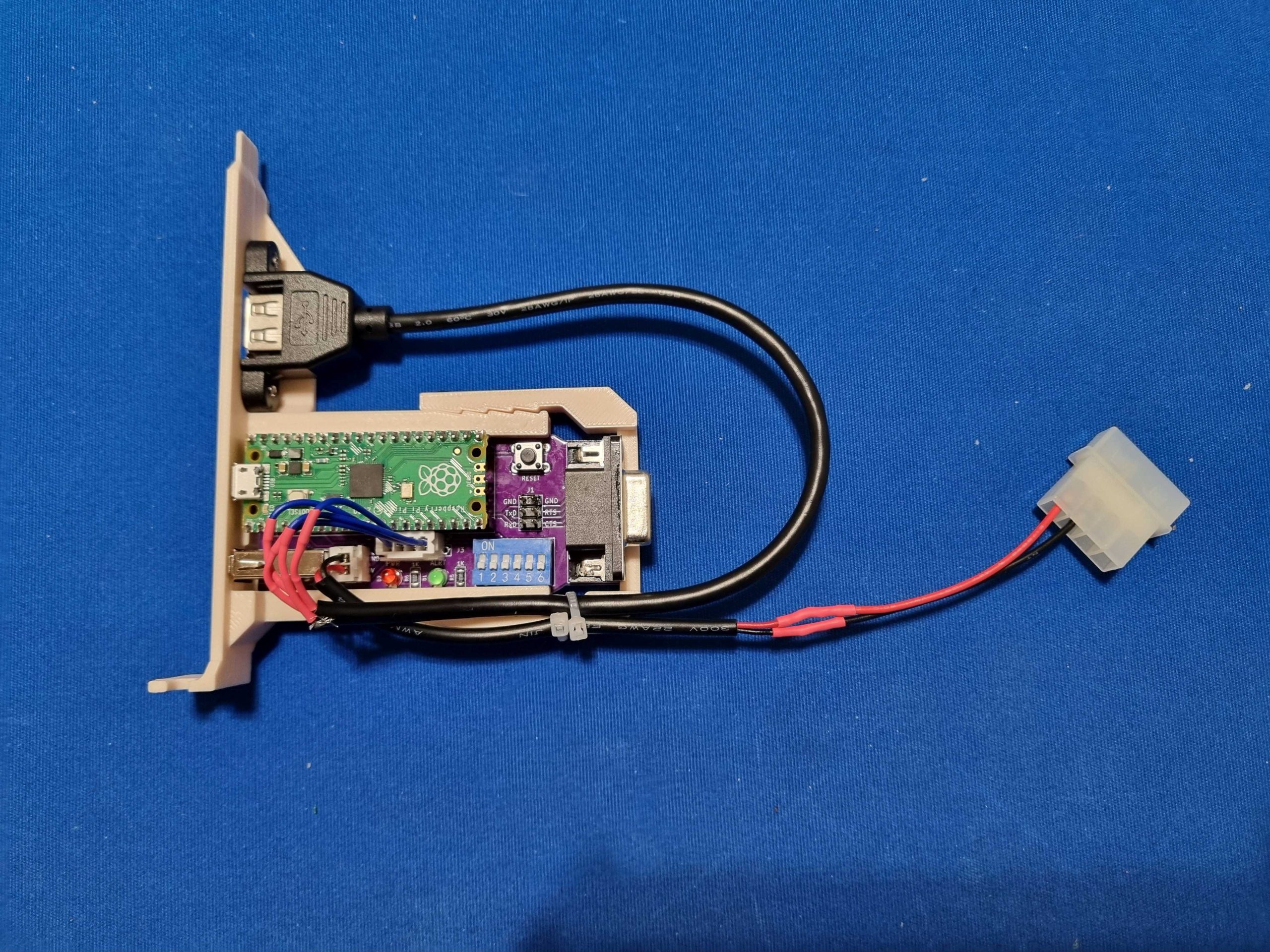
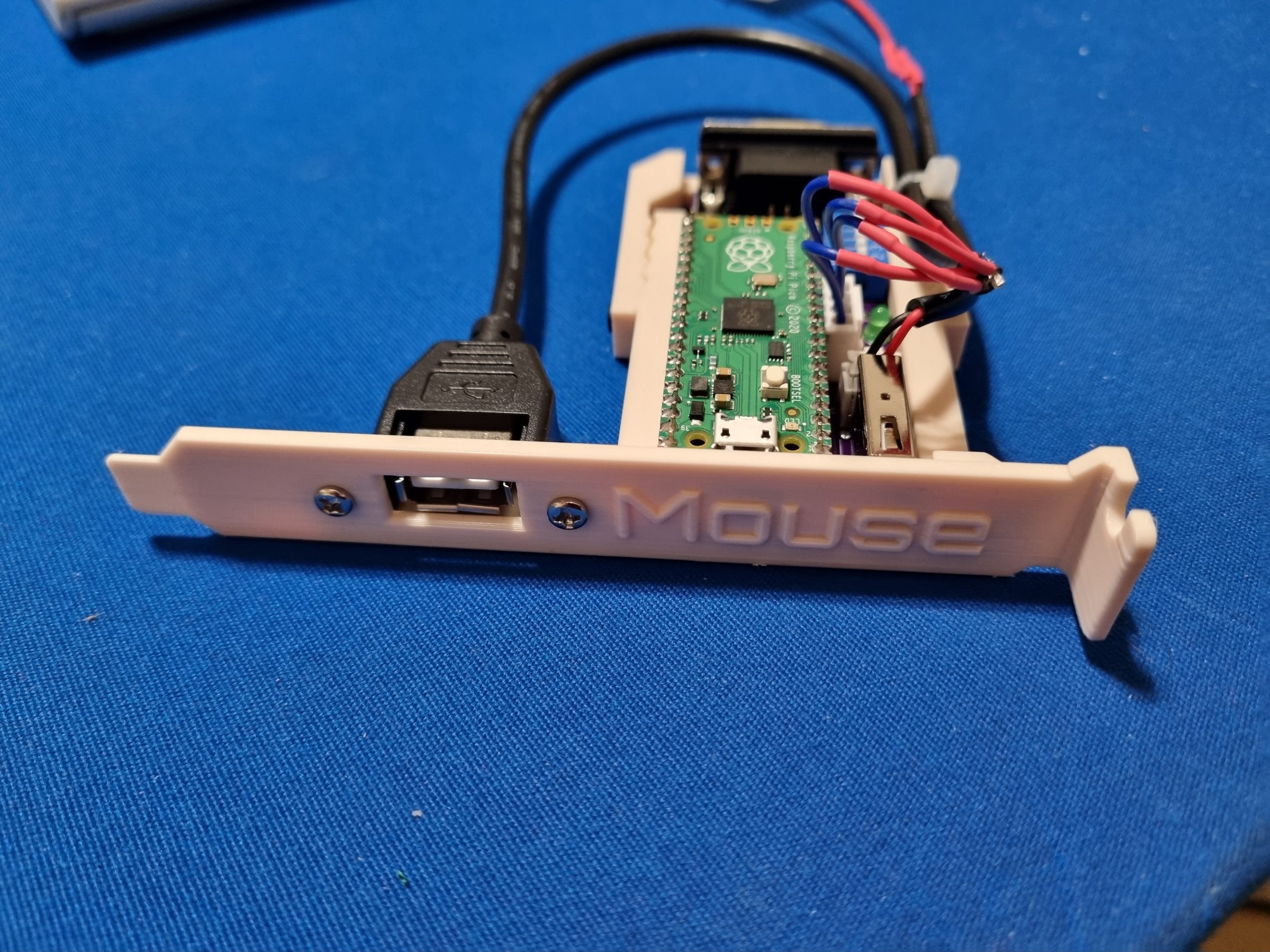
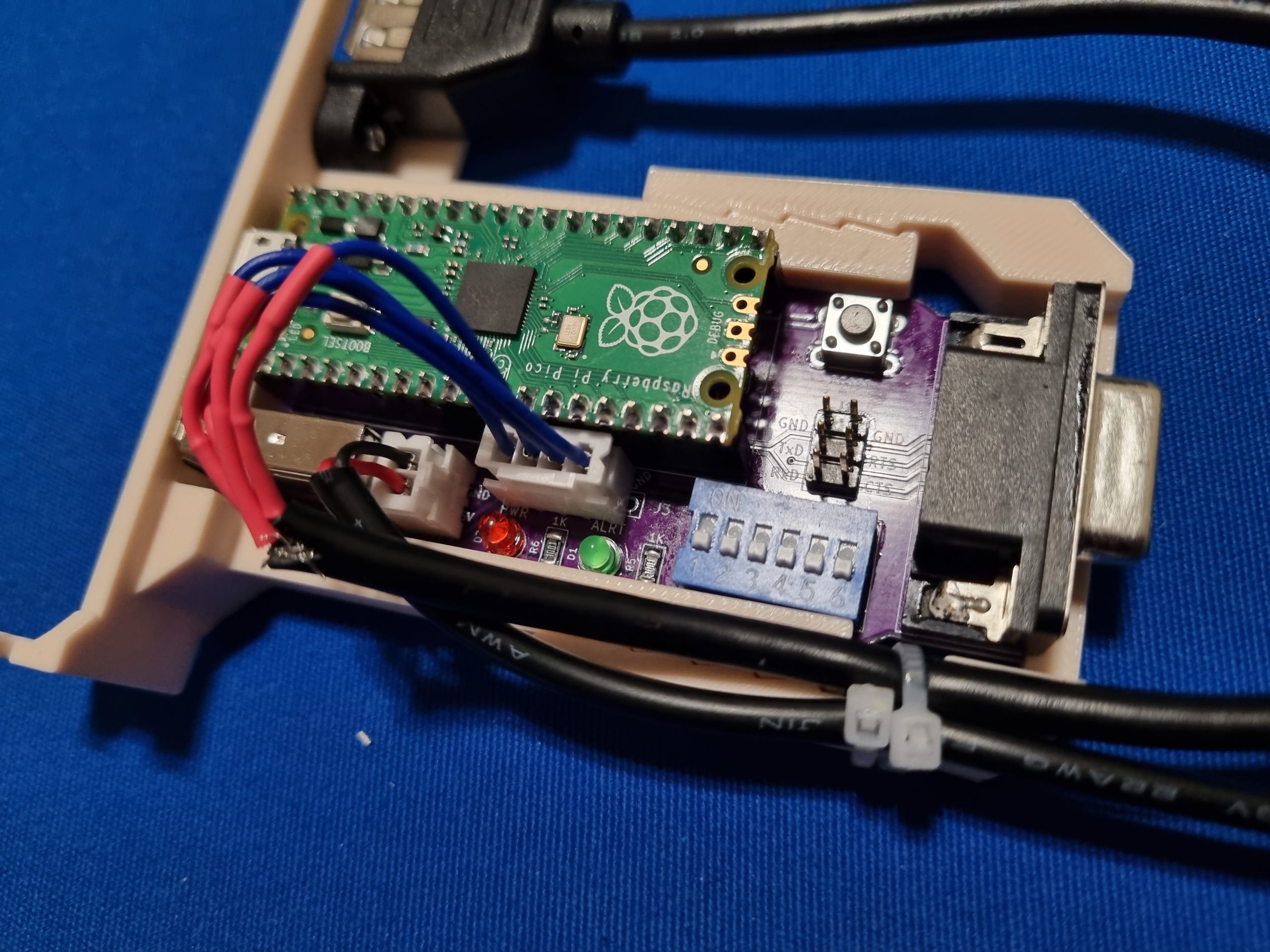
To power Pi Pico use some Molex male adapter and remove other pins except 5V and GND, solder cables to JST XH 2pin female connector.
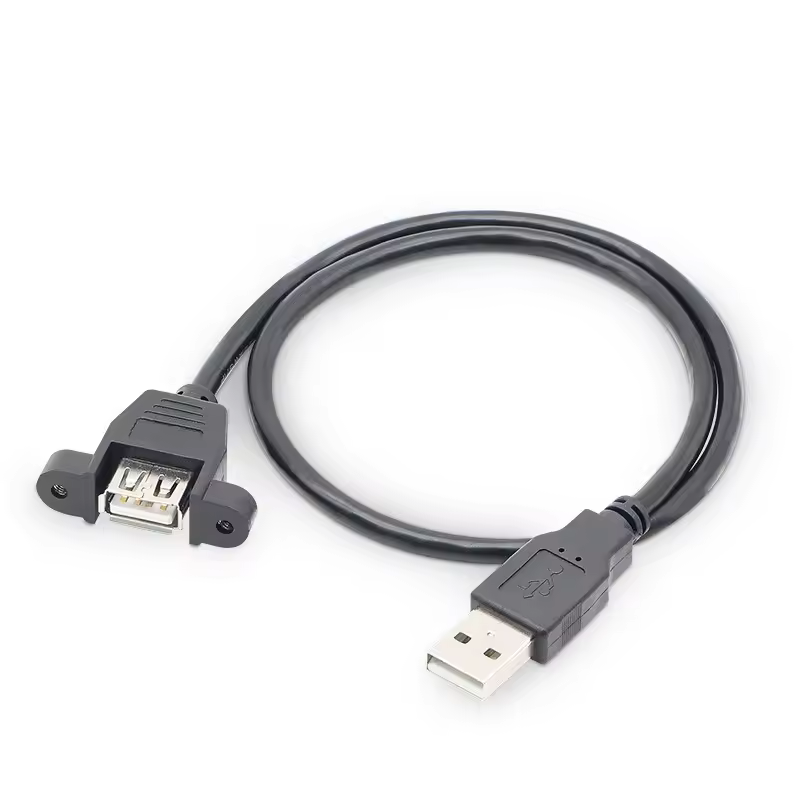
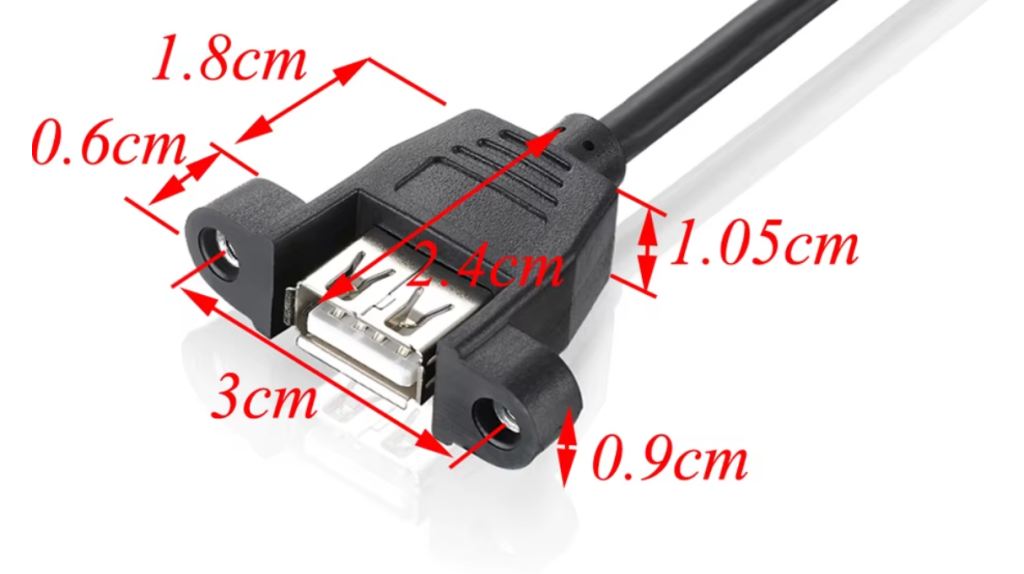
For USB search “USB 2.0 Extension Cable Male To Female with Screw Panel Mount” and look something like below with 0.3m length. Note distance between mounting screws is 3cm.