This post is primarily for documentation purposes of the complete x86 PC’s I build or restored.
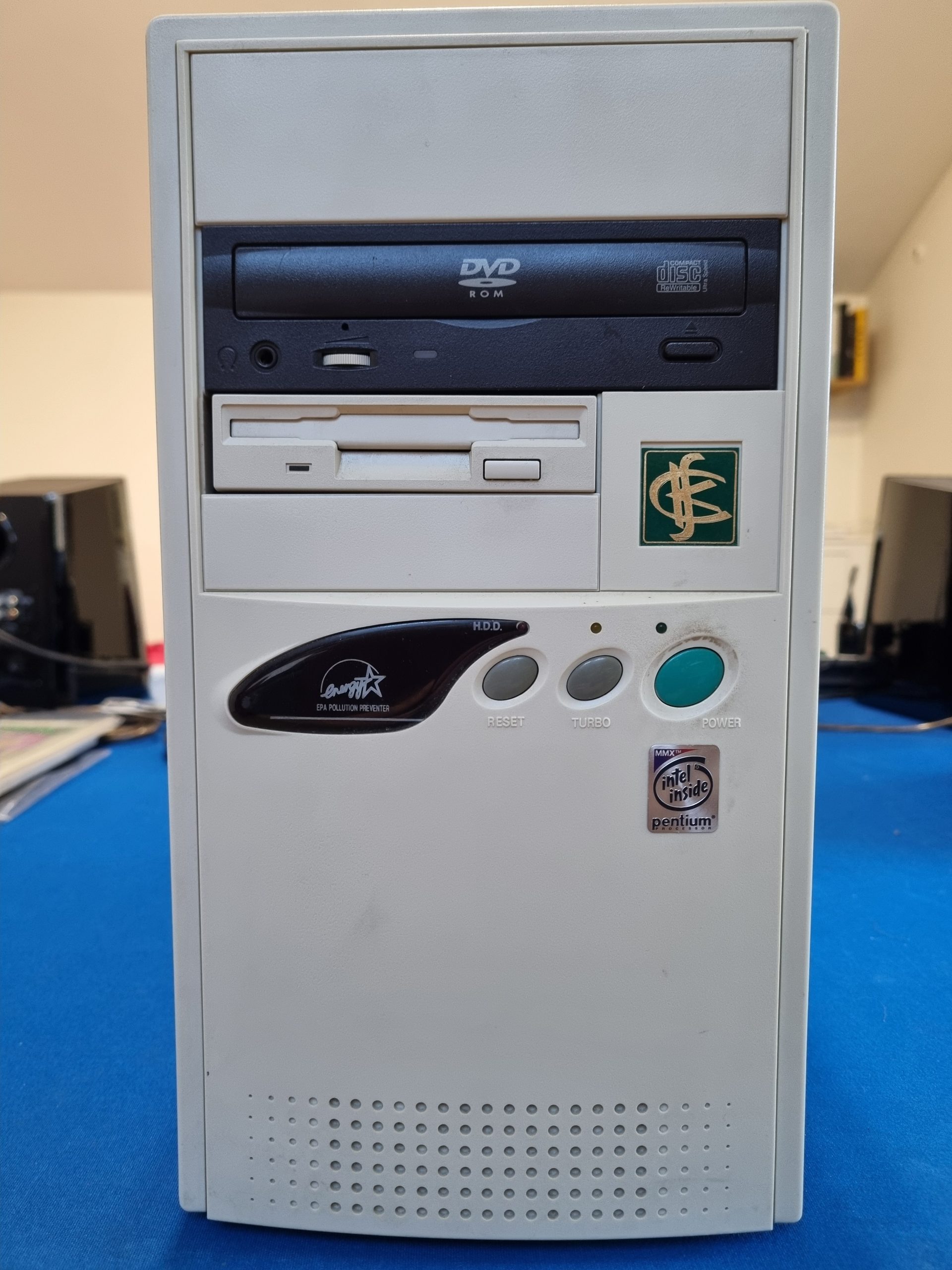
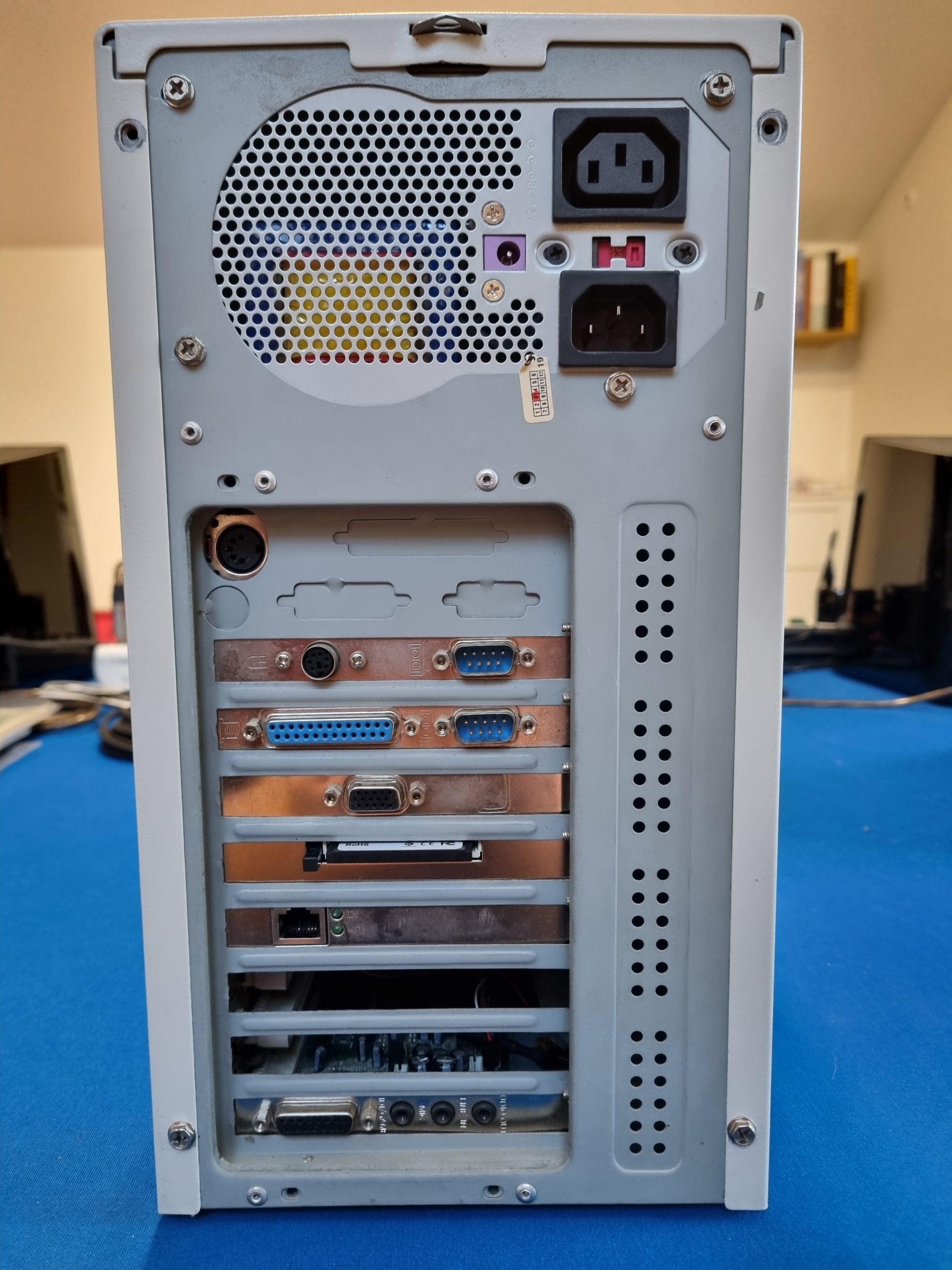
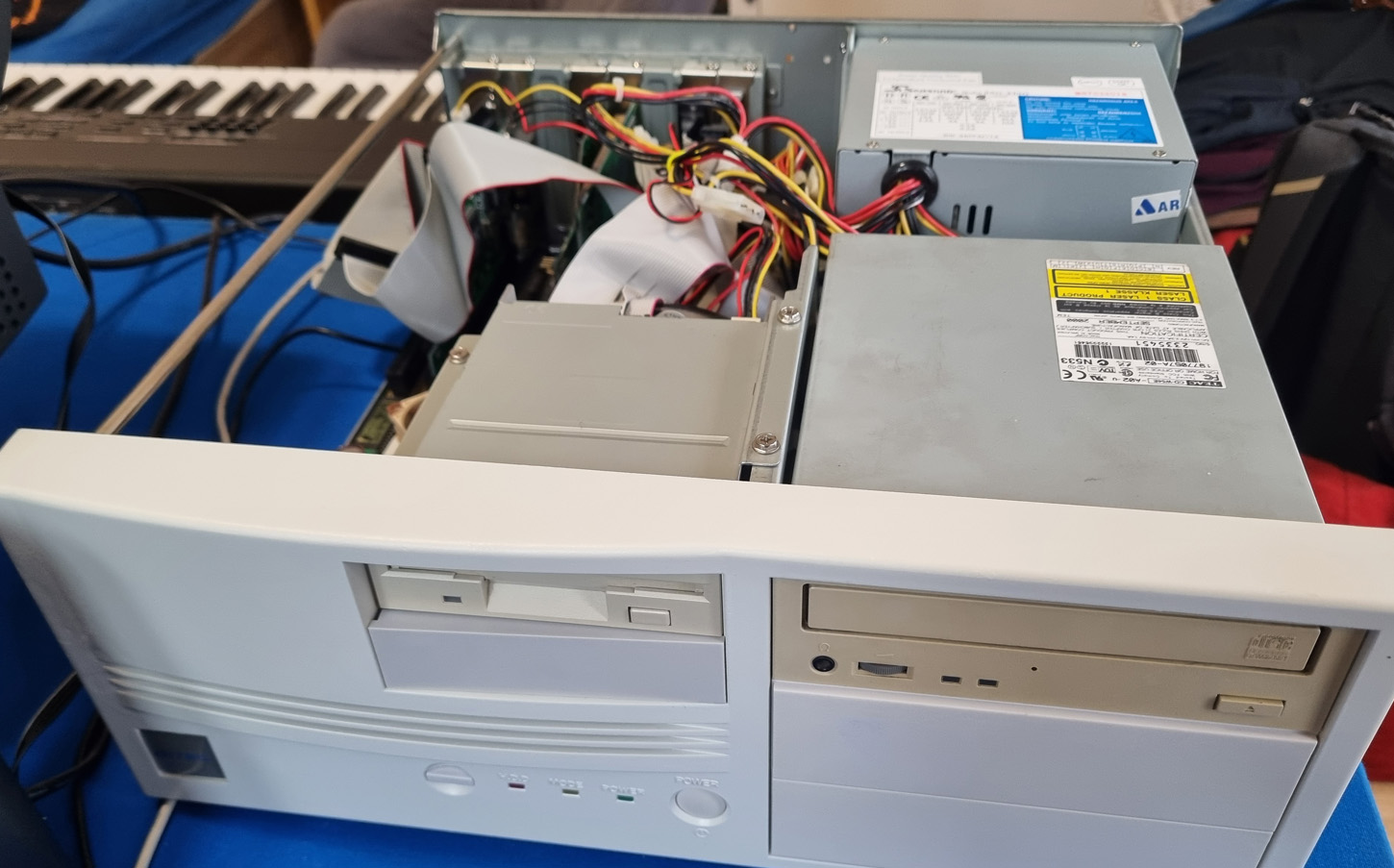
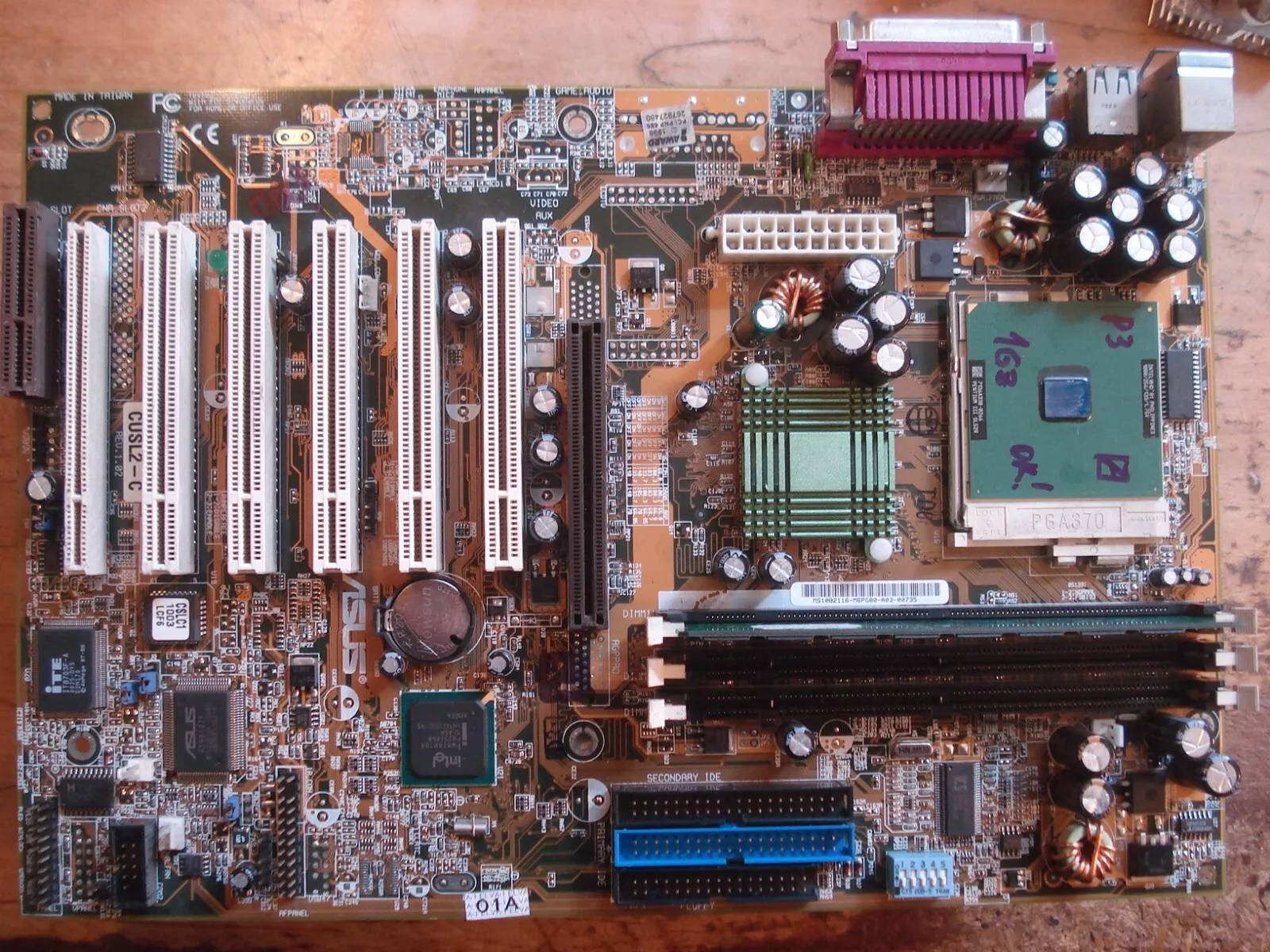
ASUS CUSL2-C
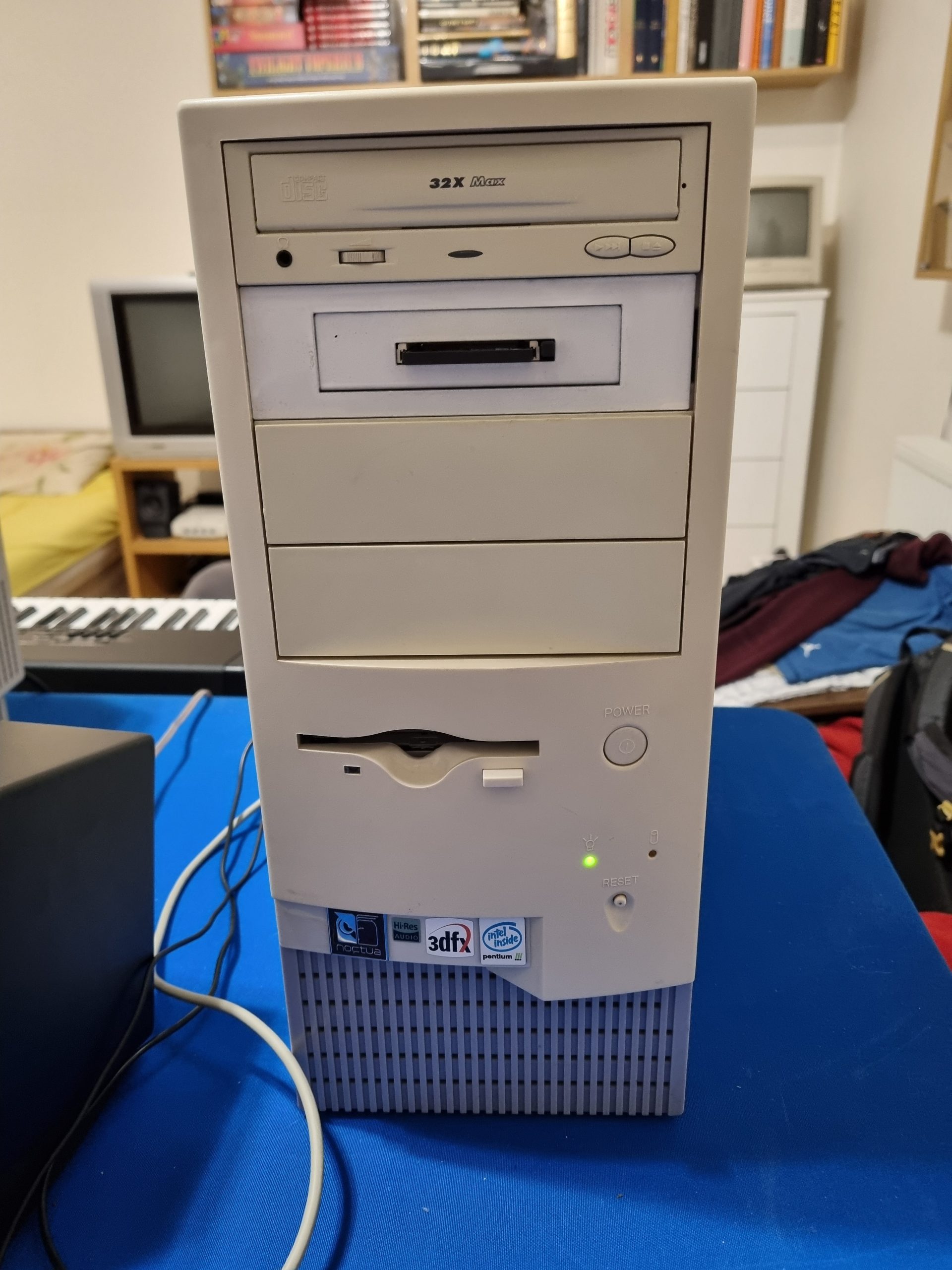
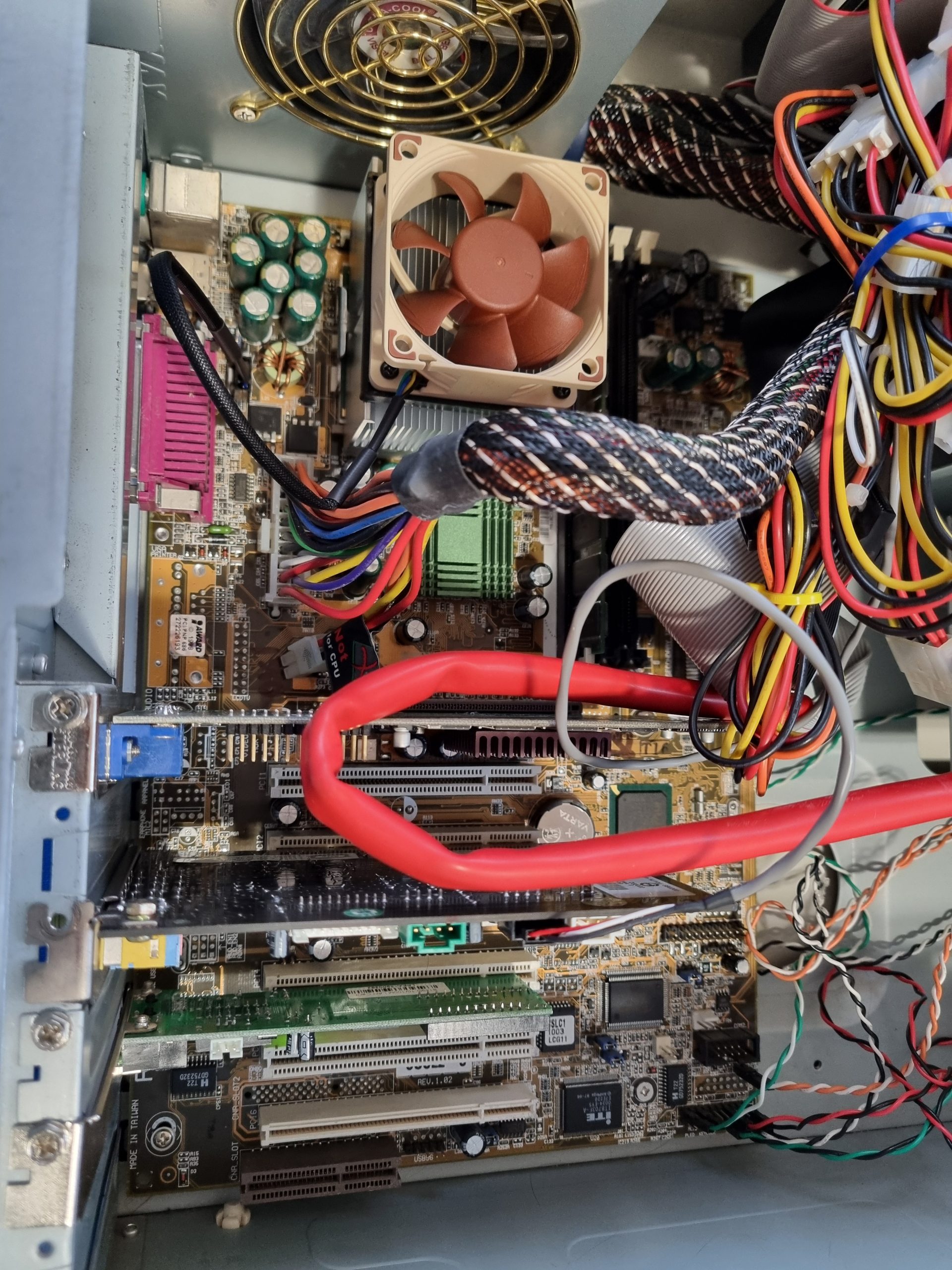
This one is roughly for 1997-2001 period Windows games. Majority of components were bought from Ebay.
- Motherboard: ASUS CUSL2-C
- CPU: Pentium 3, 1000Mhz
- CPU Cooler: Cooler Master DP56131DA1 heatsink plus 60mm Noctua silent fan.
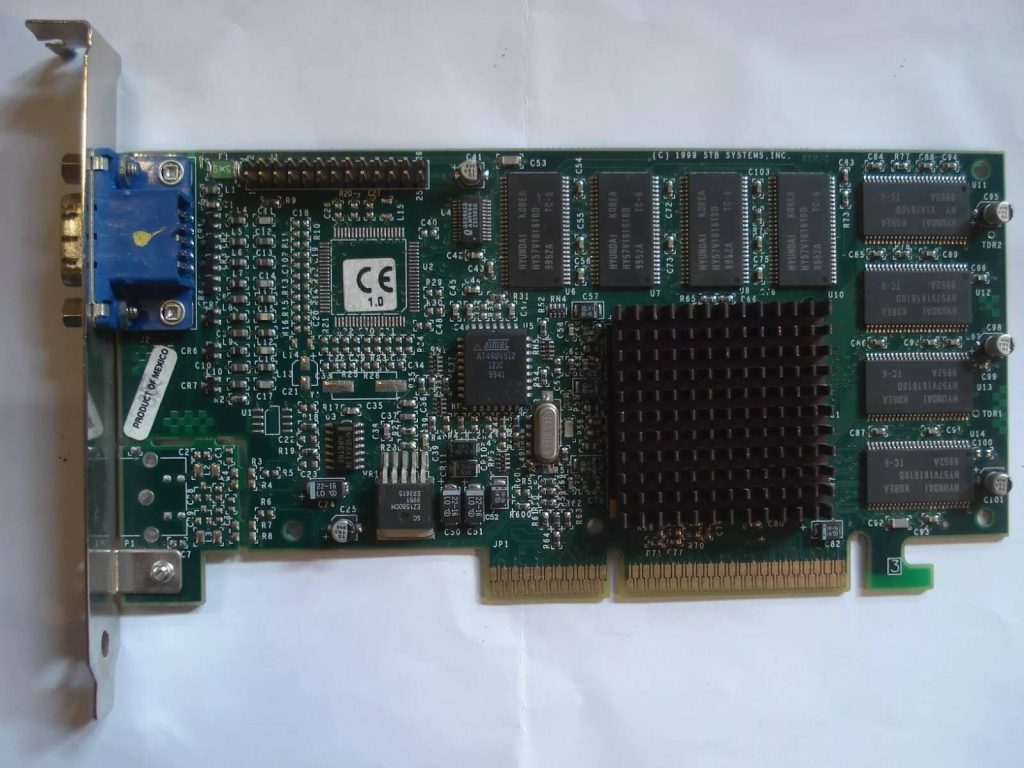
- Video: 3Dfx Voodoo 3 2000 , 16MB AGP Graphics adapter
- RAM: 256 Mb
- OS: Windows 98
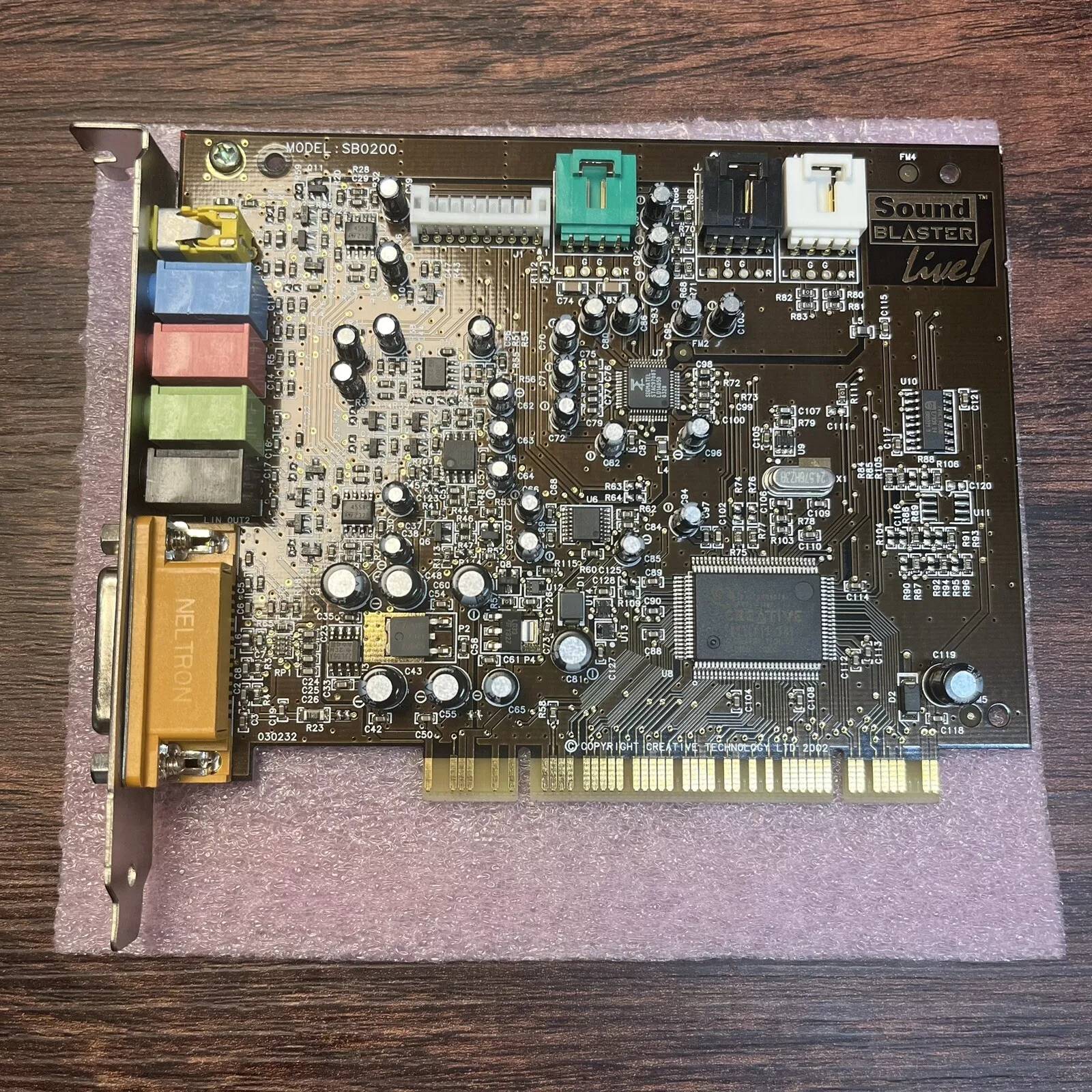
- Sound: Creative Sound Blaster Live! Model SB0200 PCI Sound Card
- HDD: 60GB 2.5″ SATA with Startech IDE to SATA Hard Drive
- Network: Realtek RTL8139D 10/100M Ethernet Controller
- CDROM: 32x
- Floppy: 1.44 MB
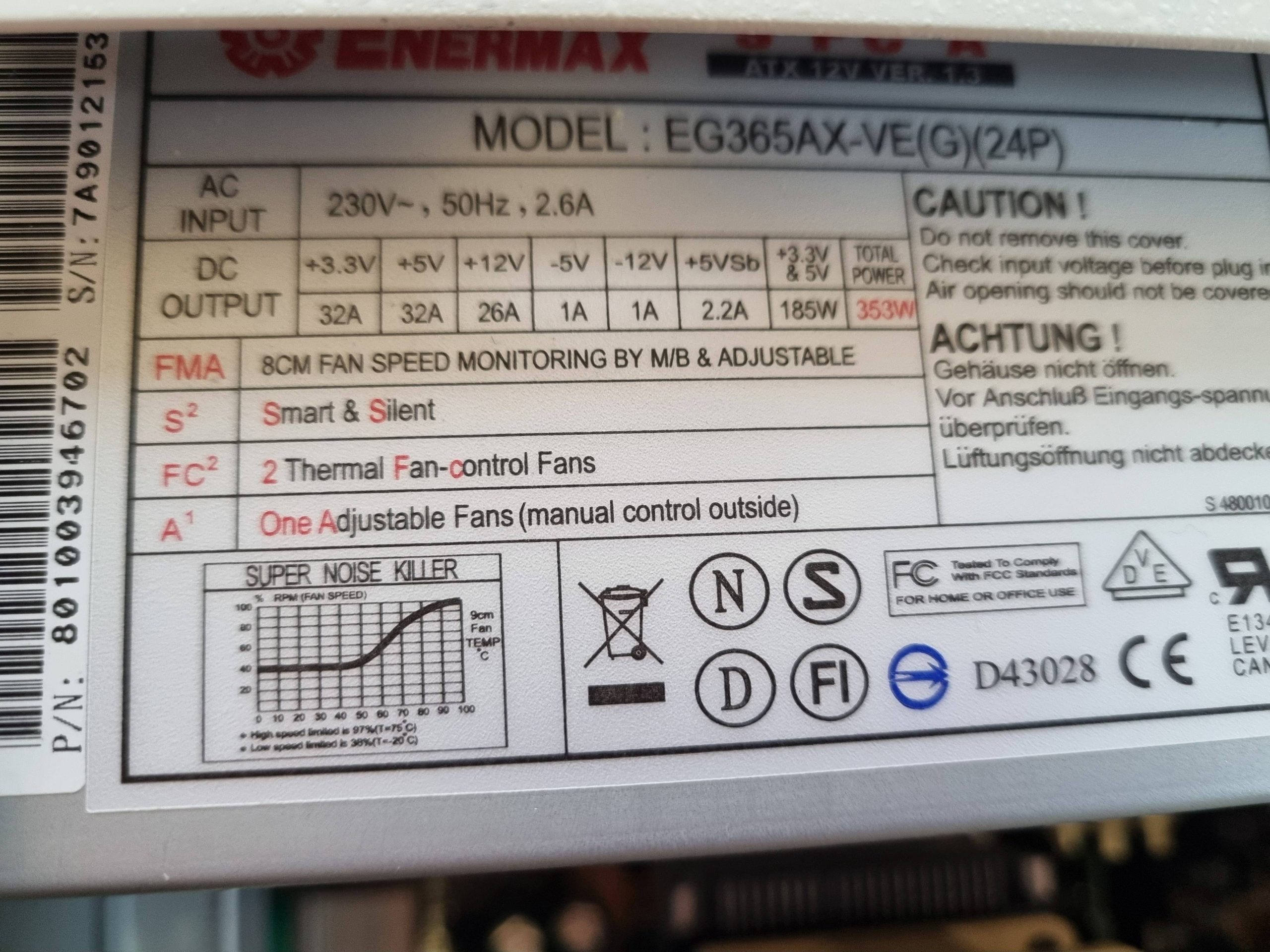
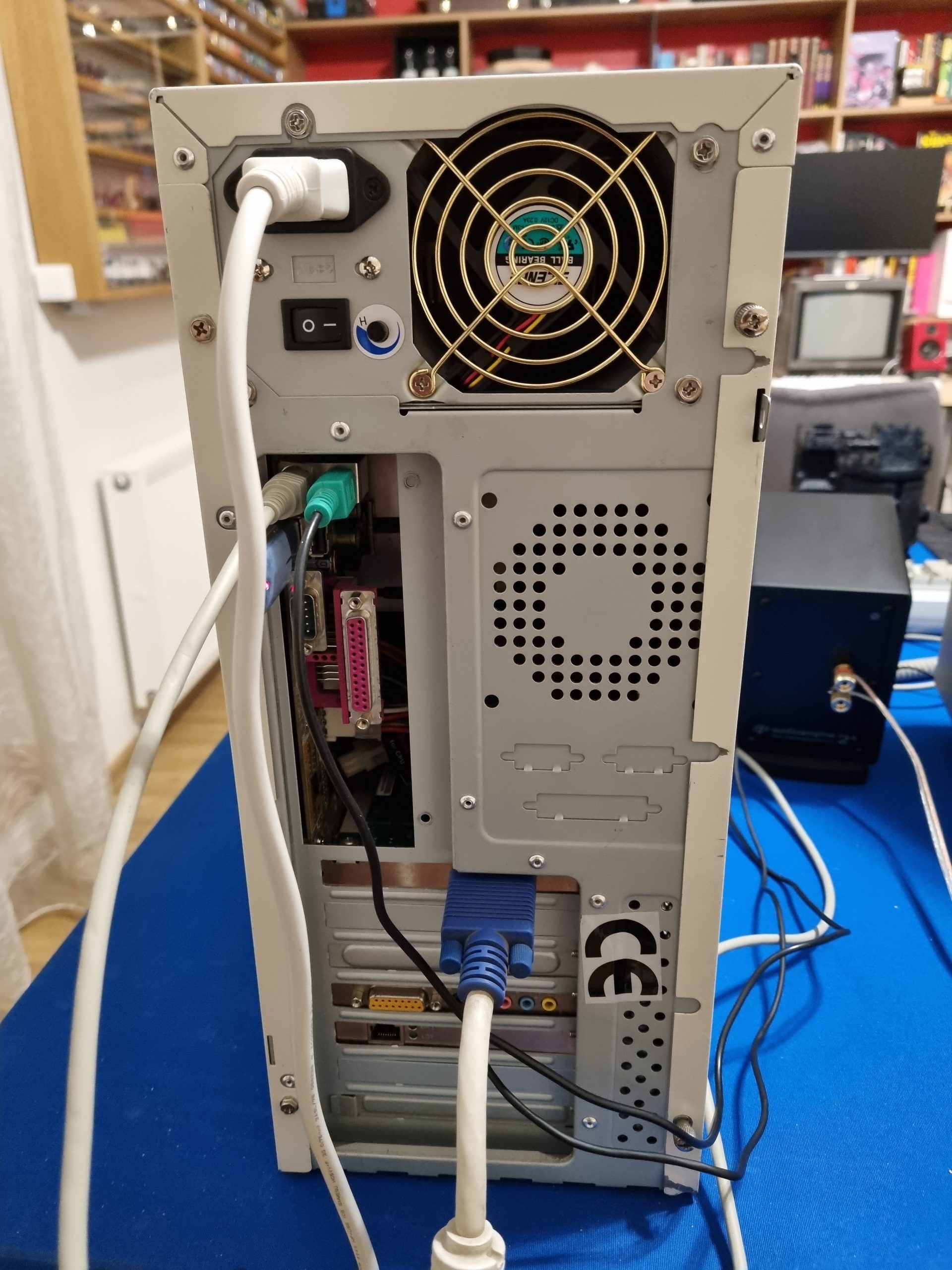
- PSU: Enermax 353W EG365AX-VE(G)(24P)
- Card reader: 3.5in Drive Bay IDE to Single CF SSD Adapter Card Reader
- Keyboard and mouse: PS/2
Installing Drivers For SB Live SB0200 OEM PCI Card
Since it took a lot of effort to install SB0200 drivers, I will copy the solution post text here: After trying more drivers than I care to remember, recommended on different sites, I found what seemed the answer in this link:
https://rhinobhs.tripod.com/sb0200.html
They were not so easy to use, though. The idea is to run the CTZAPXX.exe to install the drivers – the CTsetup is an uninstaller only.
Trying to use these caused all kinds of error messages, incorrect dialogue boxes and such-like.
The way I got it to work was to extract the SB0200 folder to a temp directory, then open the device manager and click on the unknown audio device and select Properties and on that, “Reinstall Driver”.
I then cancelled the auto search and selected to browse – directing it to the folder ….\SB0200\Drivers\WIN2K_XP
Gigabyte GA-586ATV (DITEC)
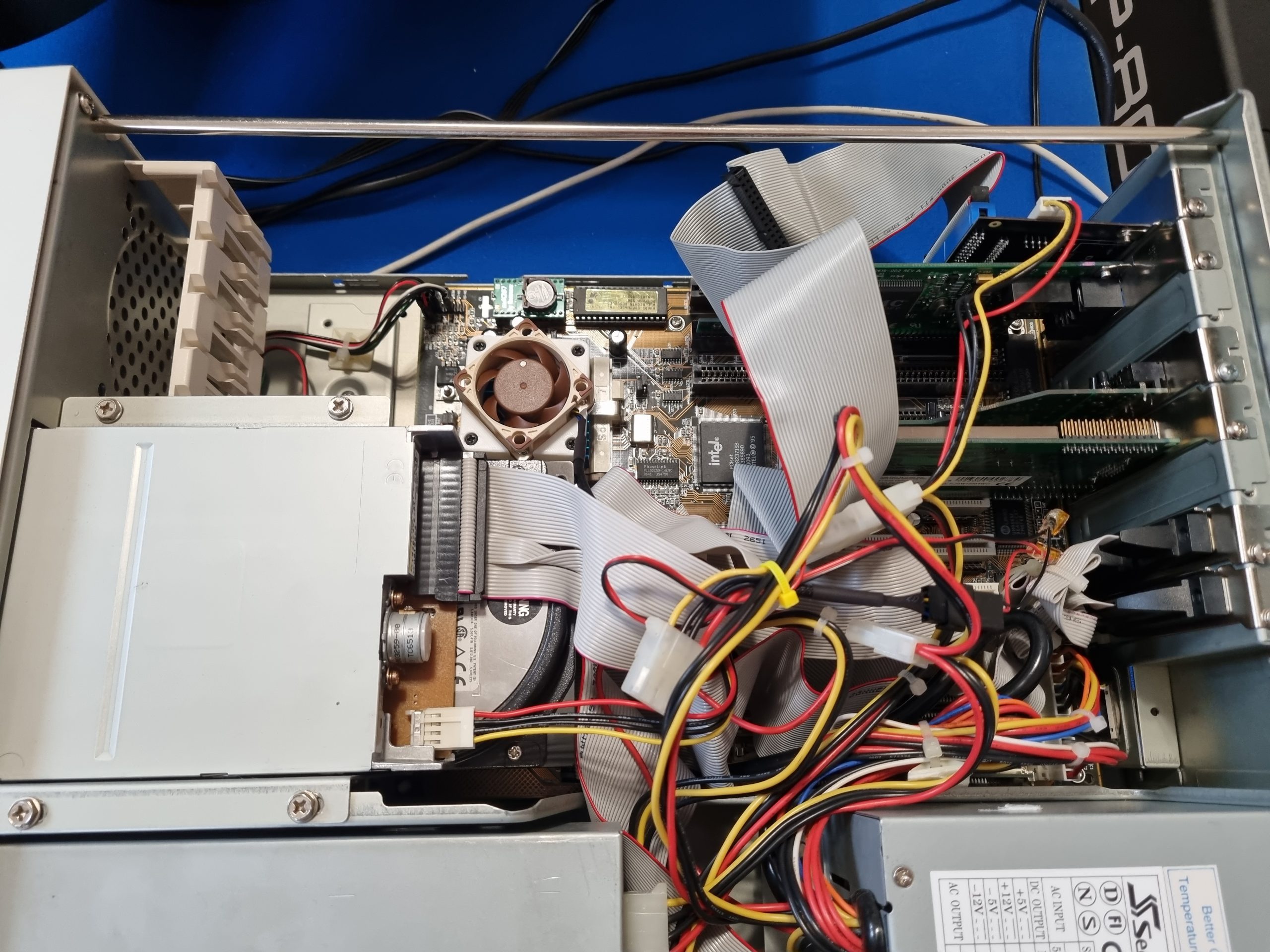
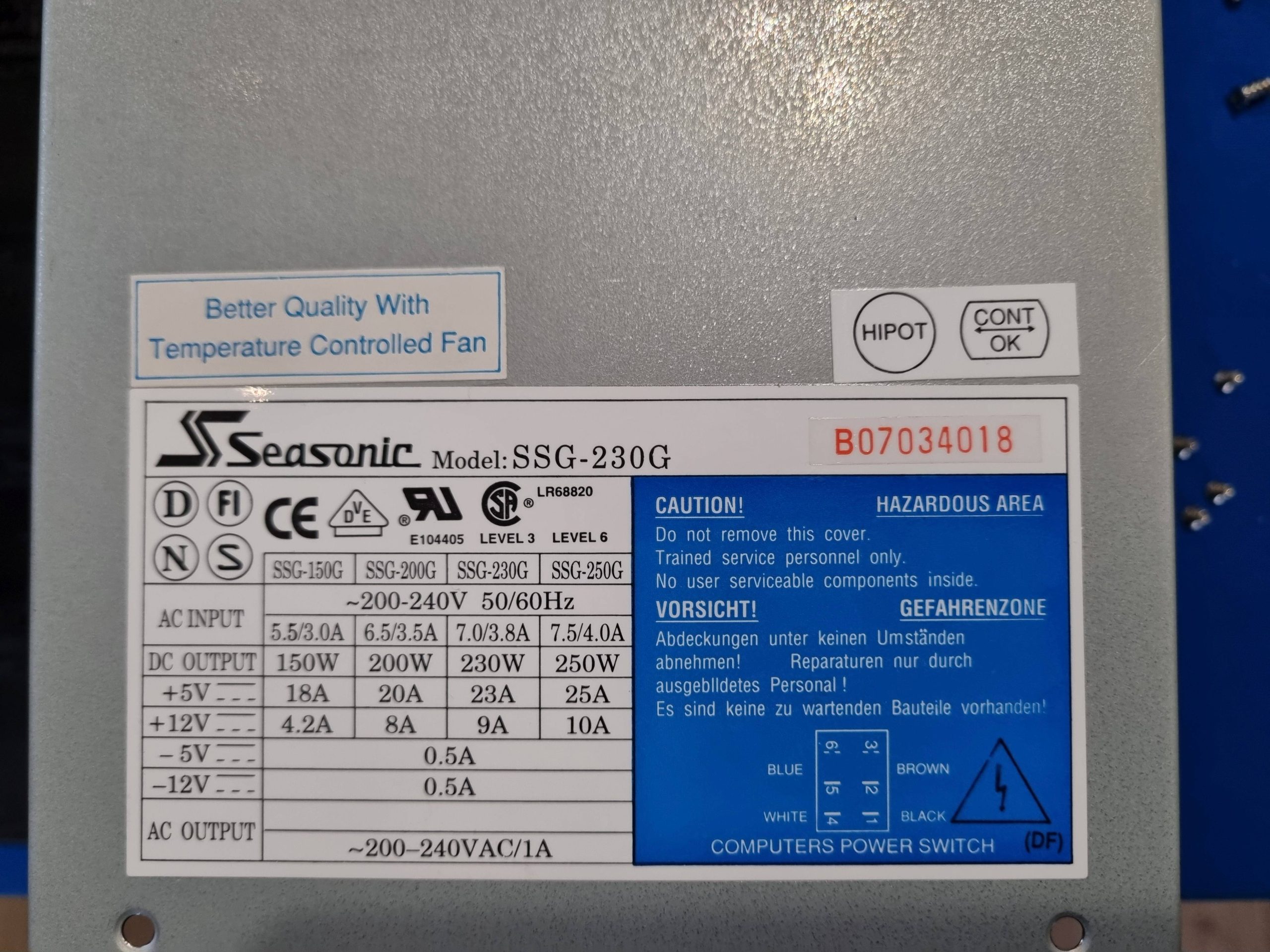
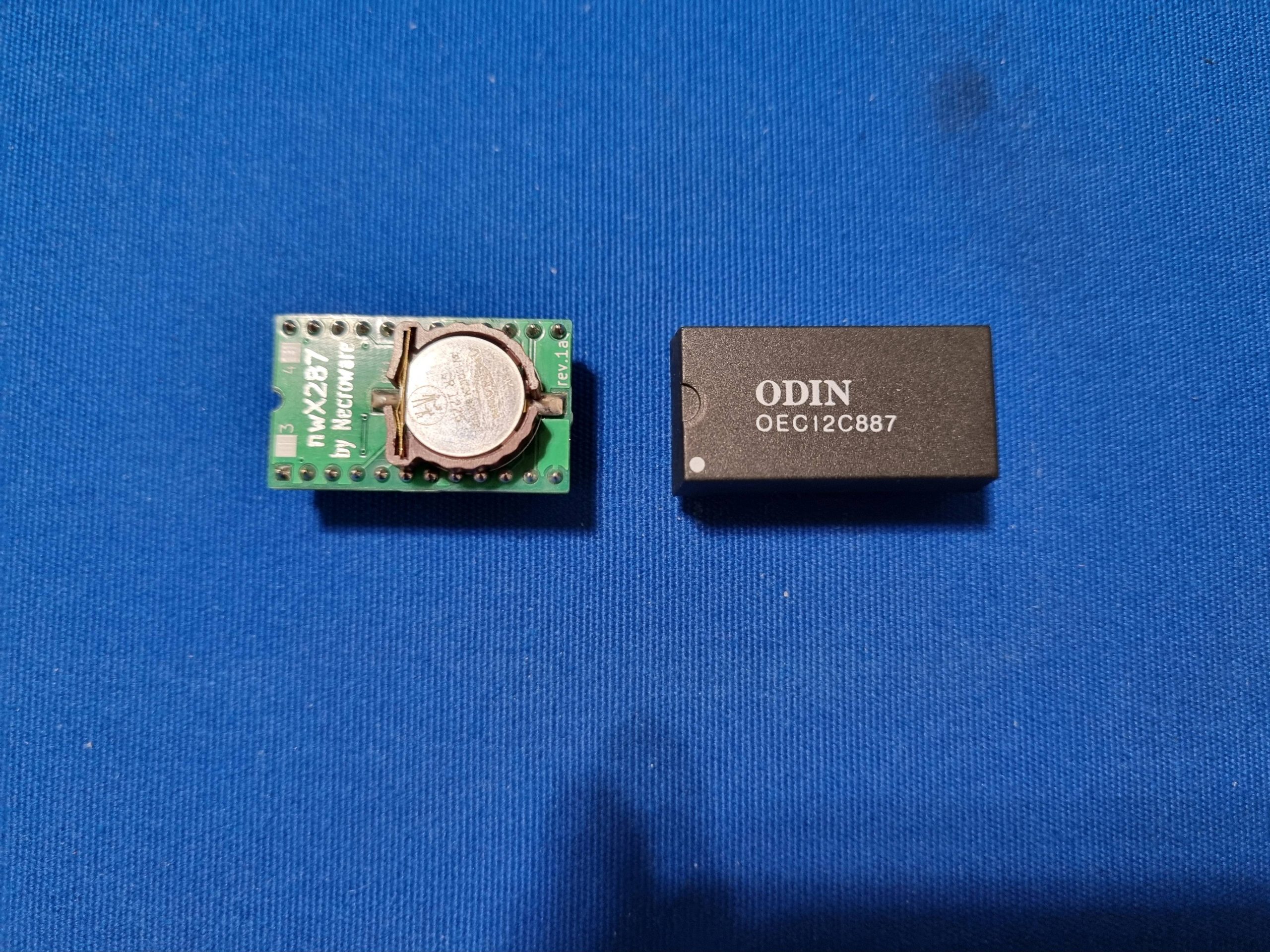
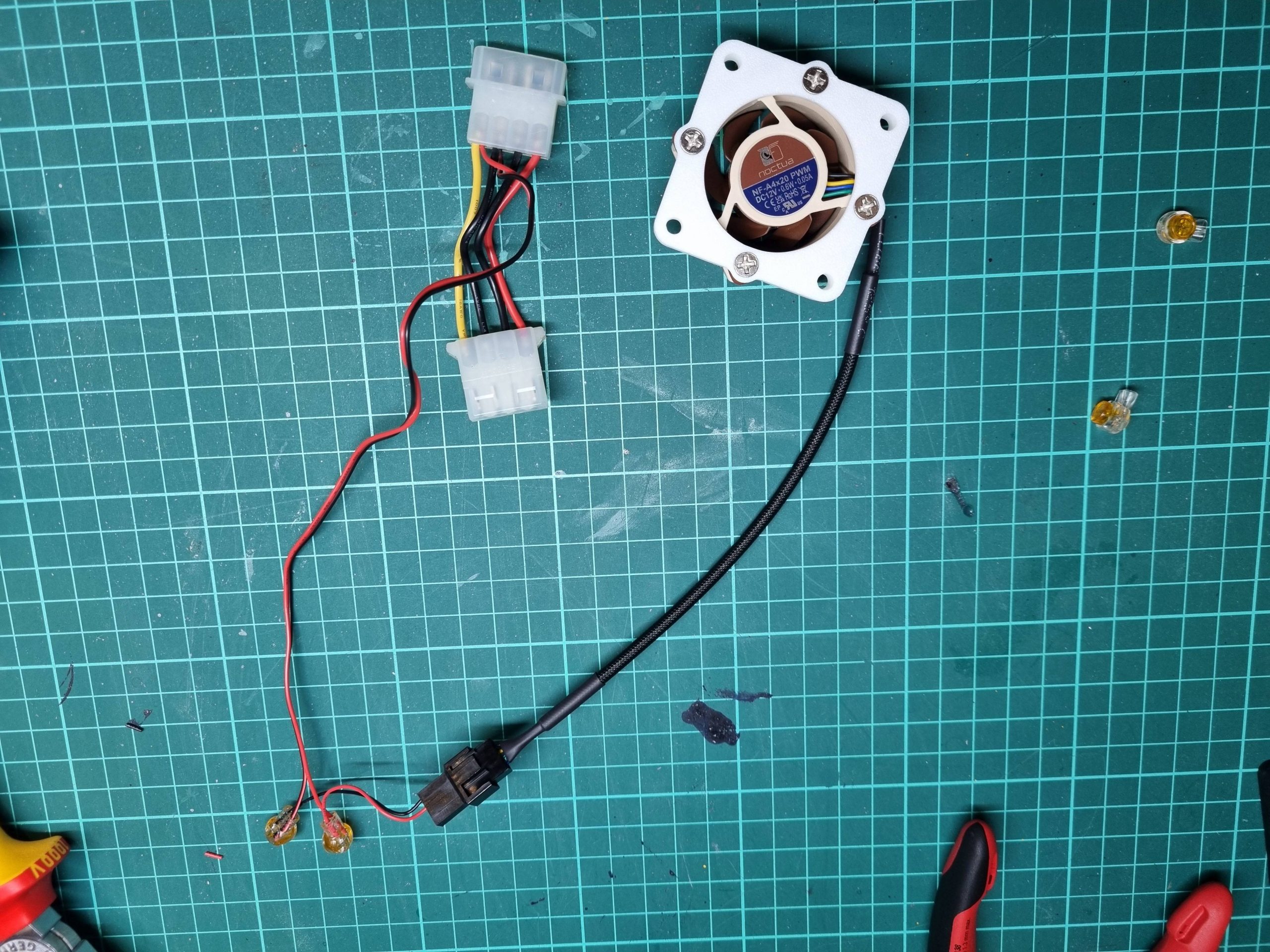
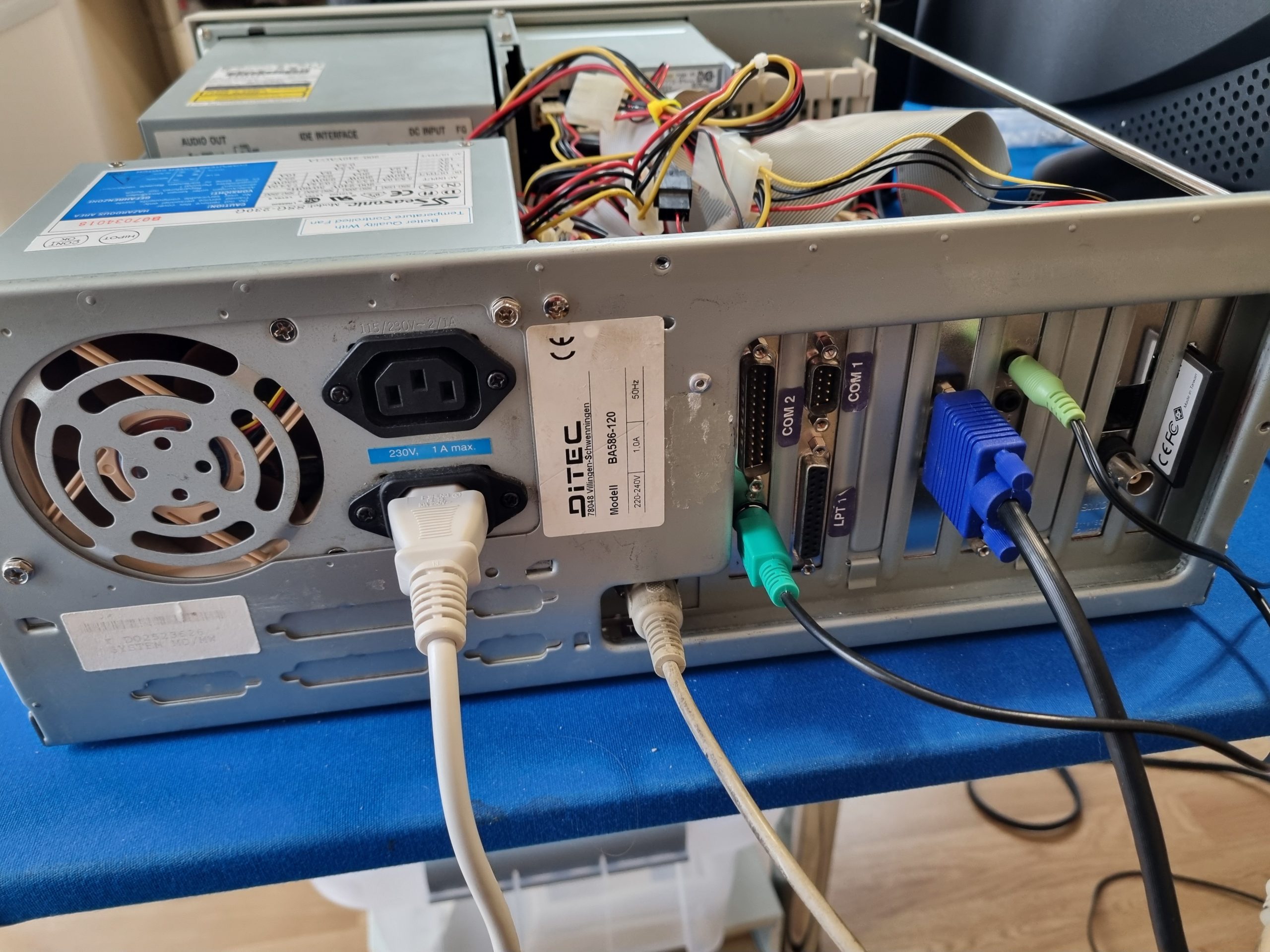
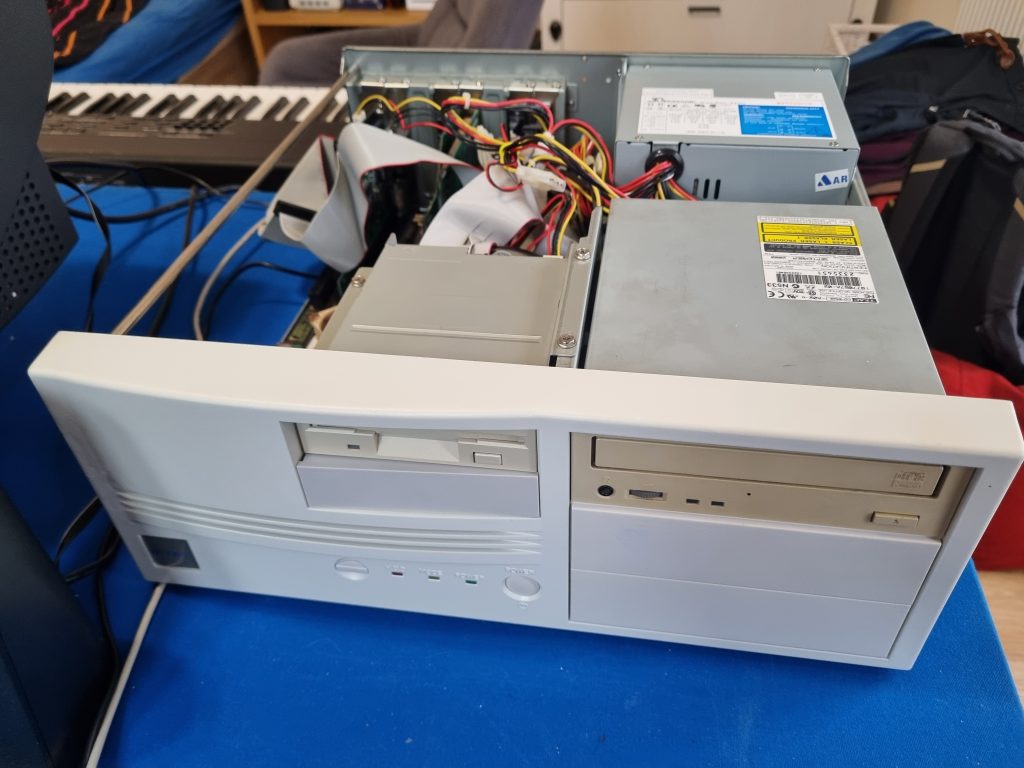
A Pentium machine with Windows 95. Originally bought a complete system from a local retro PC restorer and later modified it to be silent and installed Windows 95 on CF card. It still has a working IDE 6GB hard drive that sounds a sawing machine, but it is also quite slow to load Windows 98 SE (installed on that drive). The AT PSU seemed to be a decent quality (not so noname), so I left it, just replaced the fan with Noctua. The front panel plastic was very yellow, so I repainted it white. The ODIN OEC12C887 RTC module was replaced with new (built by me) nWX287 by Necroware.
- Motherboard: Gigabyte GA-586ATV
- CPU: Pentium 120MHz
- CPU Fan: Noctua NF-A4x20
- OS: Windows 95
- PSU: Seasonic SSG-230G AT PSU
- PSU Fan: Noctua NF-A8 ULN
- RAM: 32MB
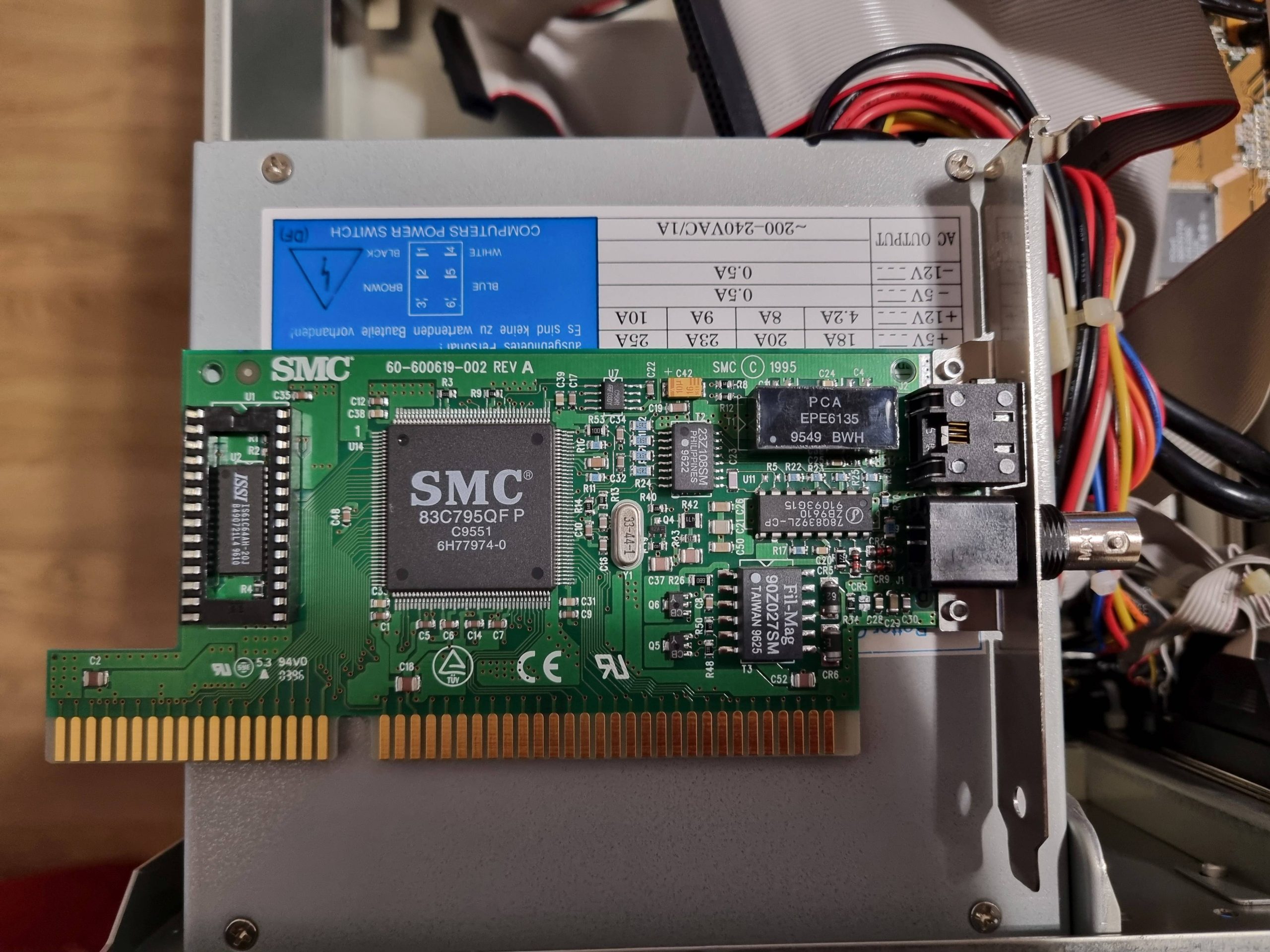
- Network: SMC ISA ETHERNET CARD 60-600619-002 REV.A
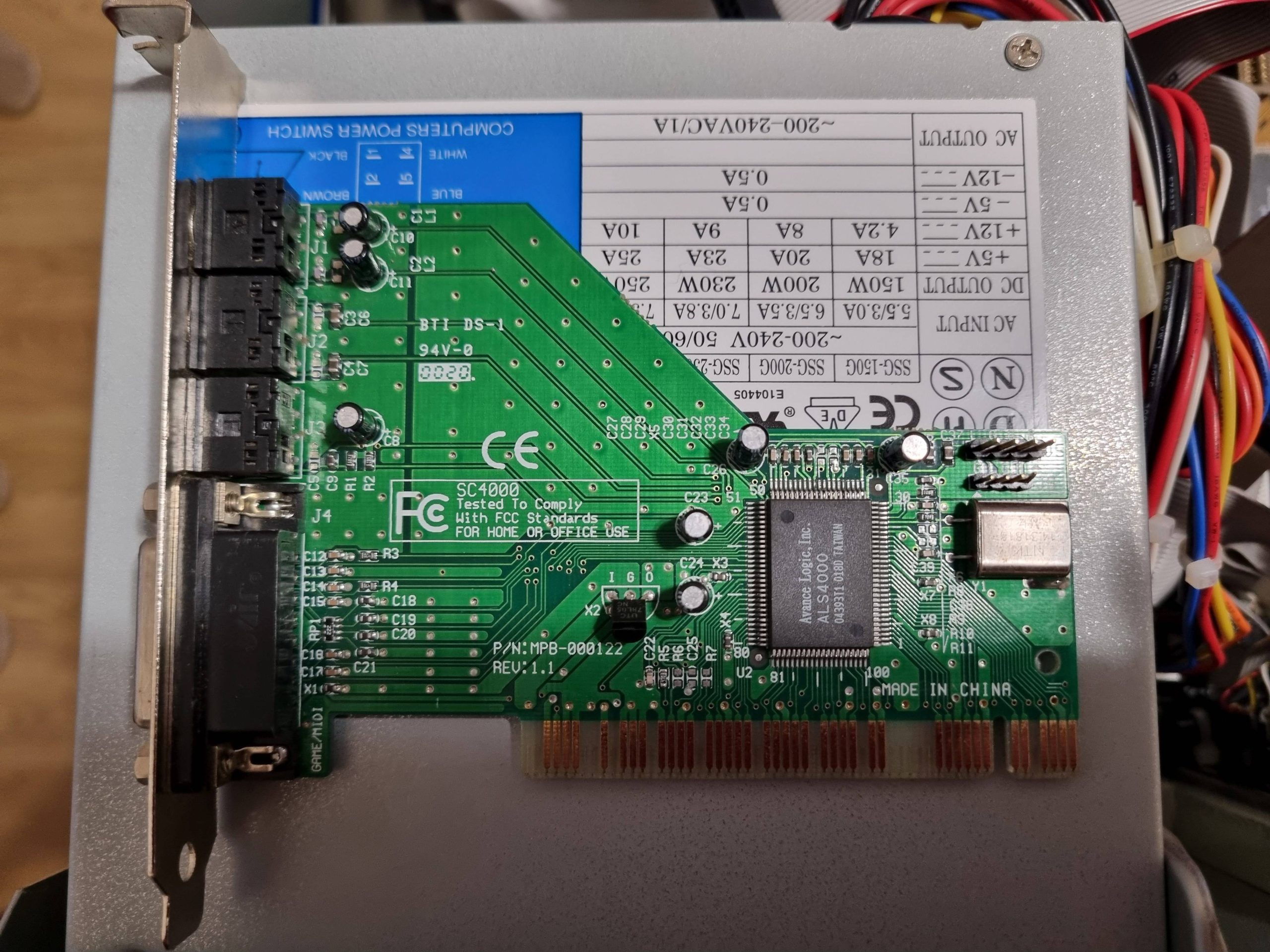
- Sound: Avance Logic ALSA4000
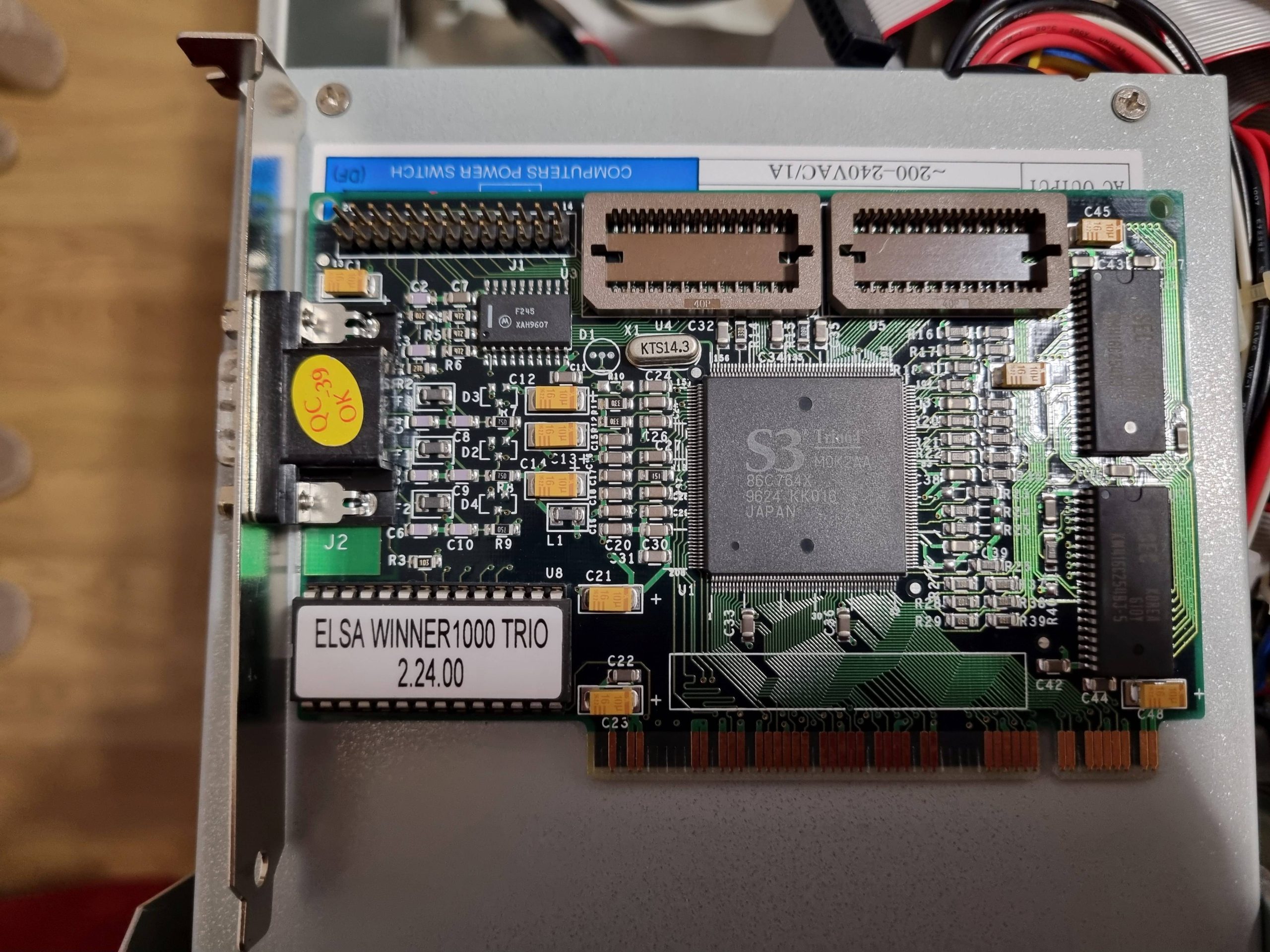
- Video: Elsa S3 Trio64 MDK2AA
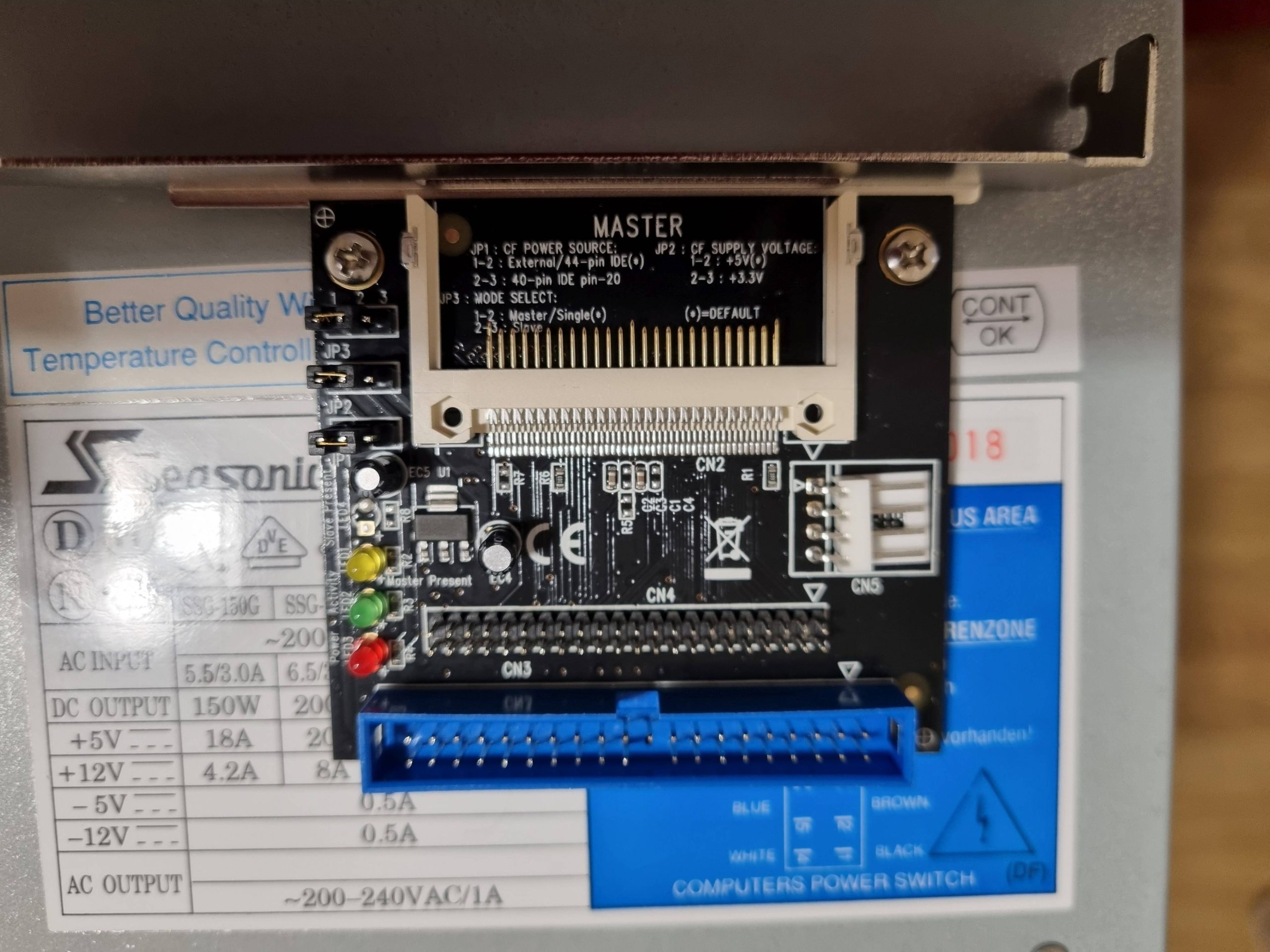
- CF Adapter: Delock 91624
- CF Card: Transcend Compact Flash 133 8GB
- CD: Lite-On Combo SOHC-5232K
- Floppy: 1.44 MB
- Keyboard: DIN5
- Mouse: PS/2
Intel D865GLC (La Crosse)
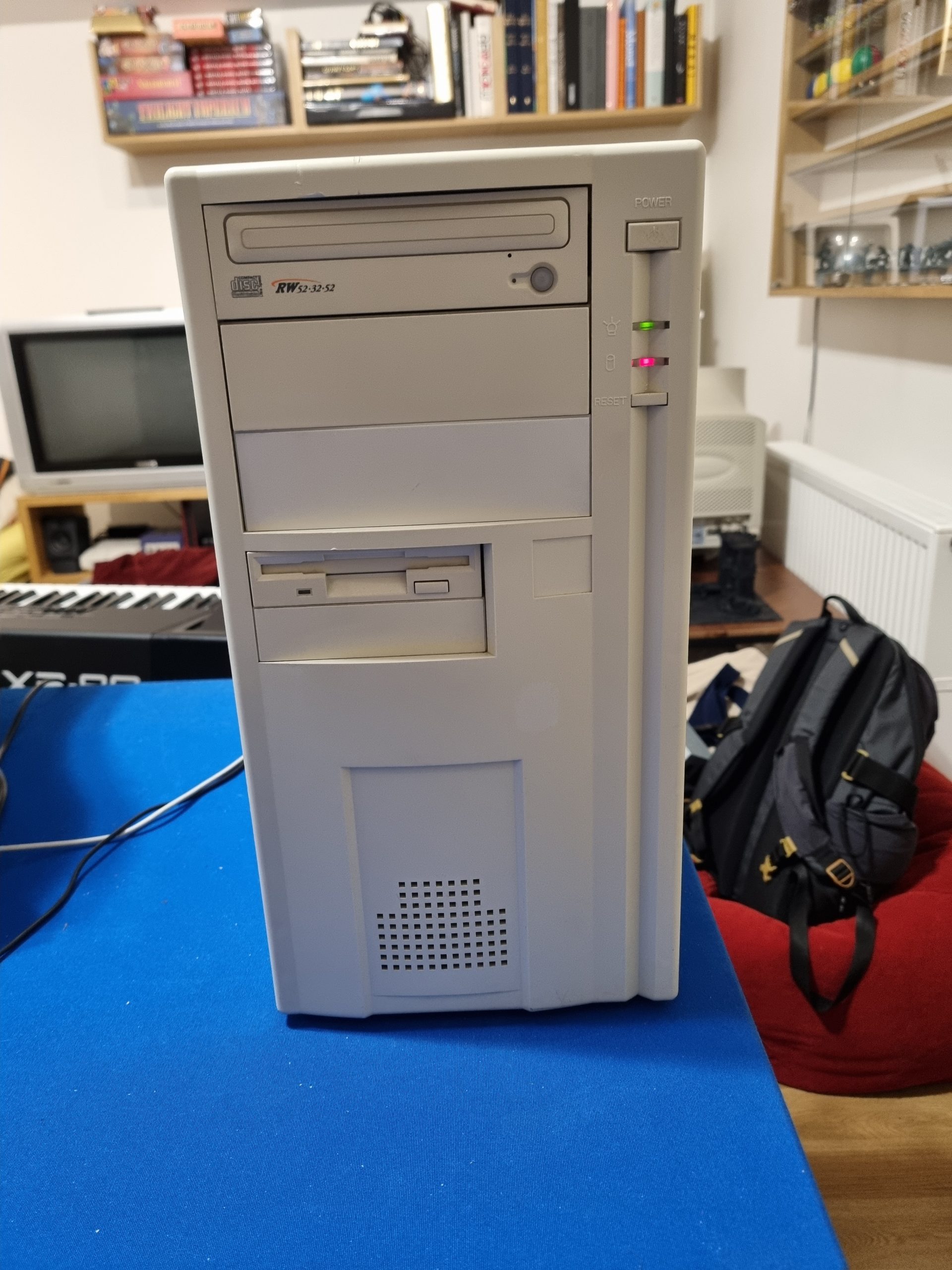
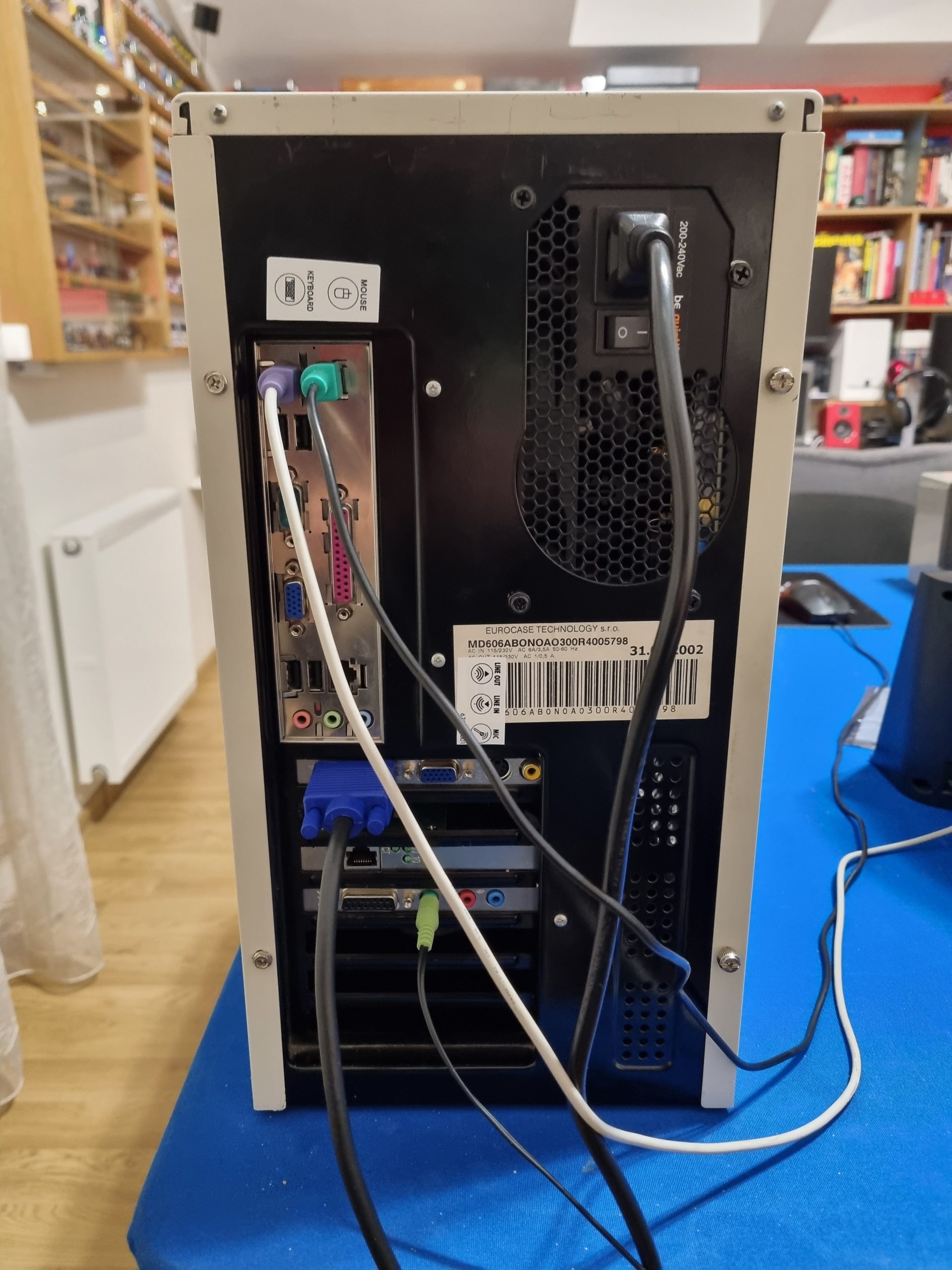
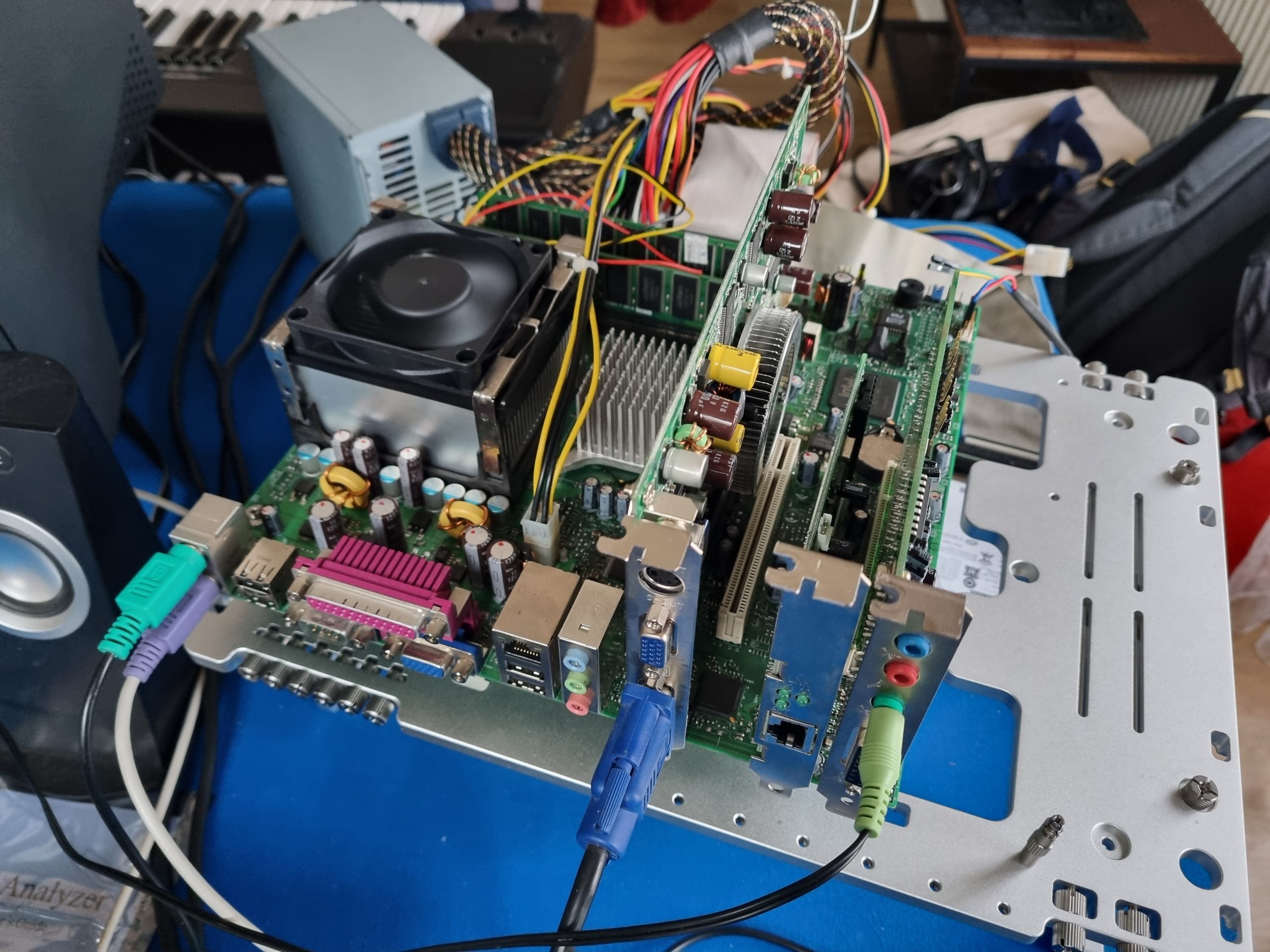
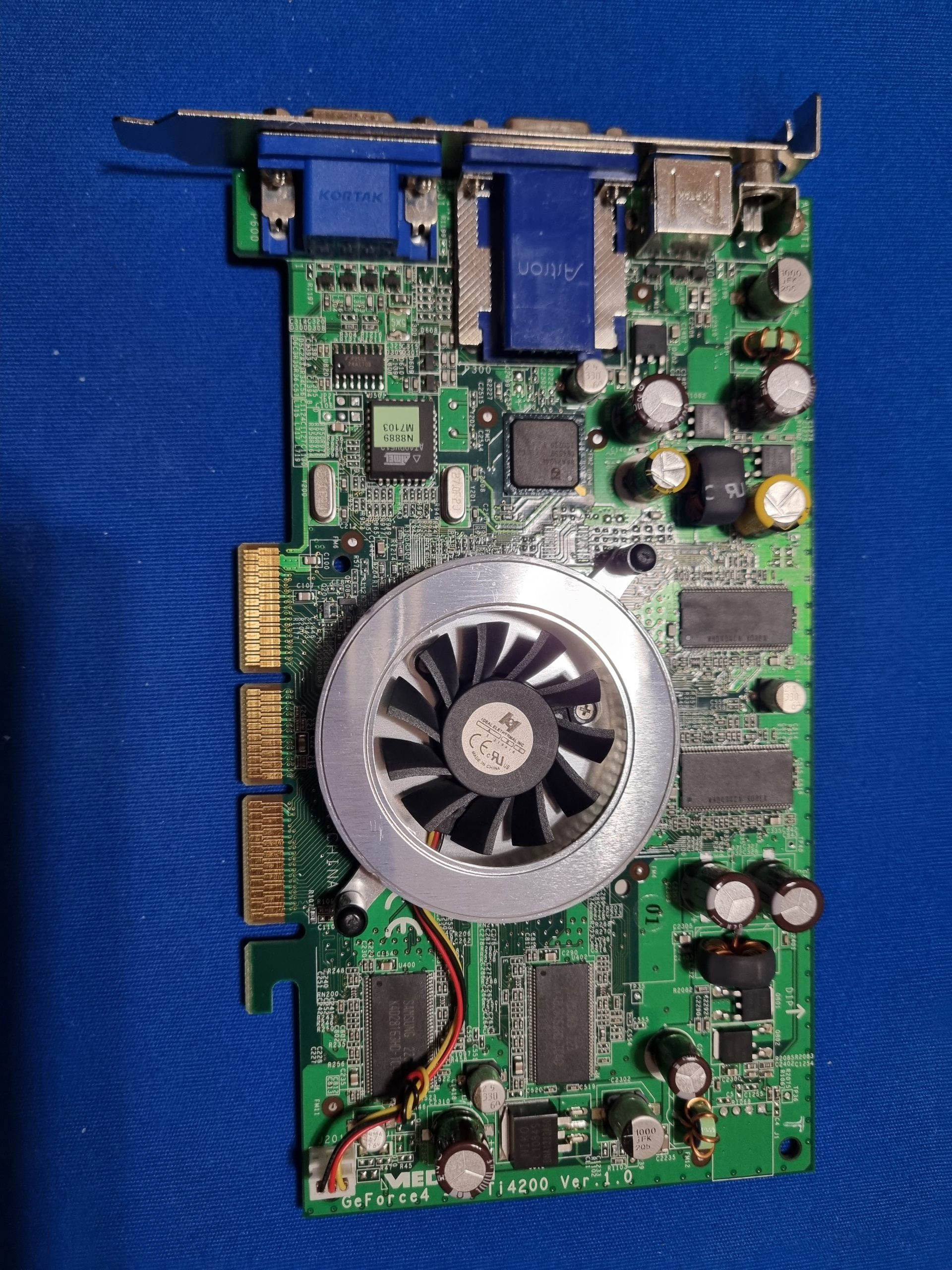
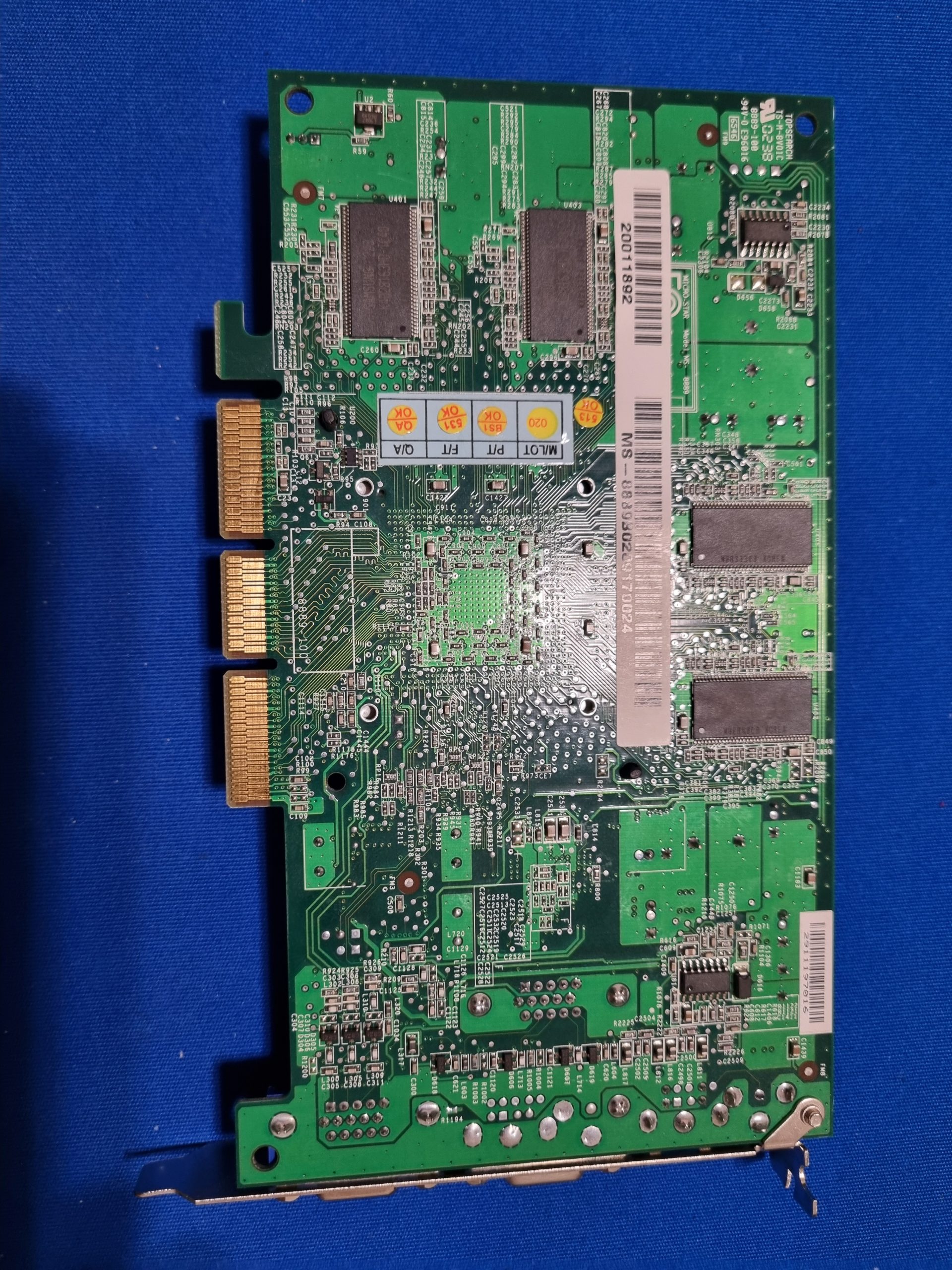
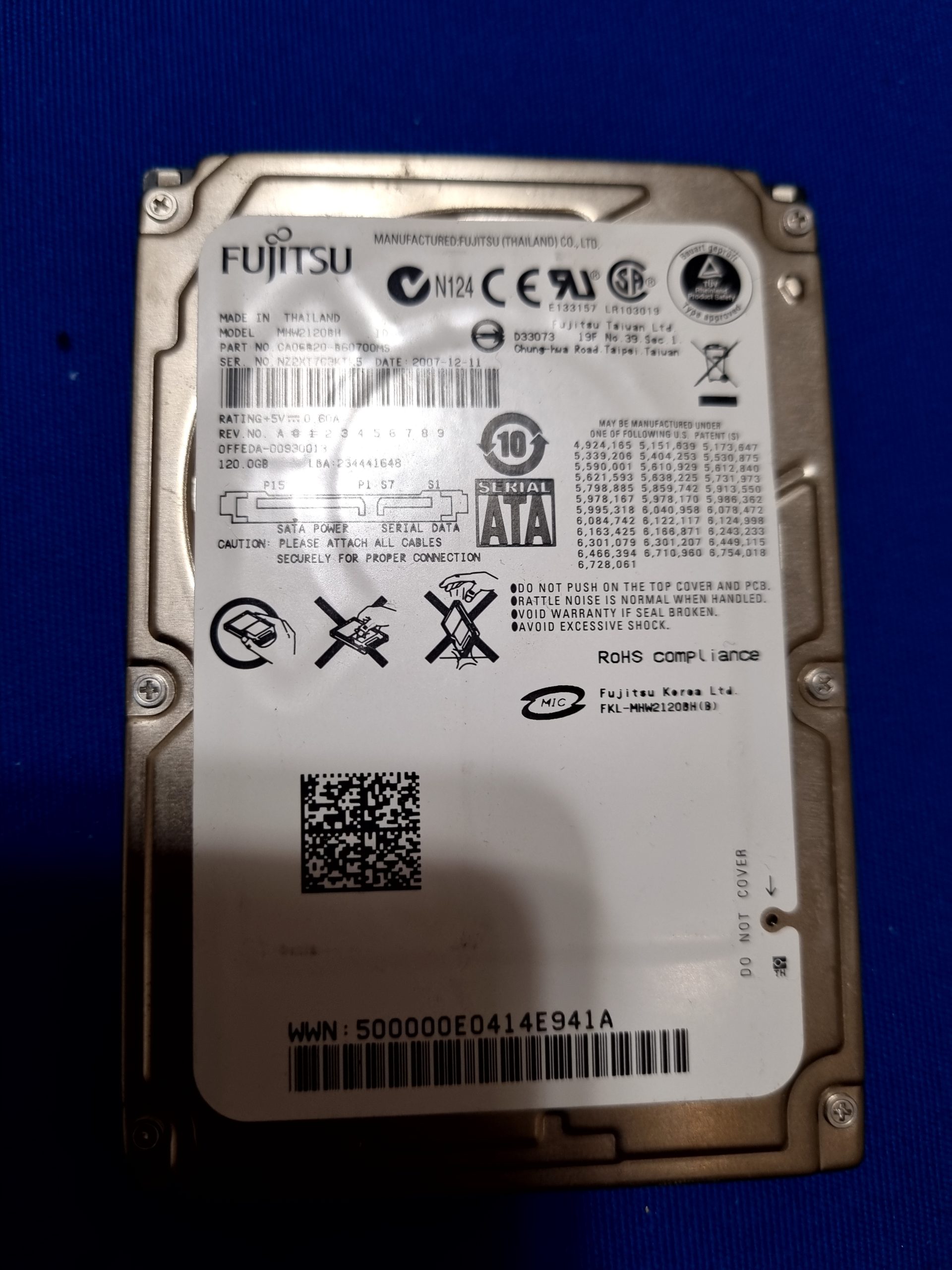
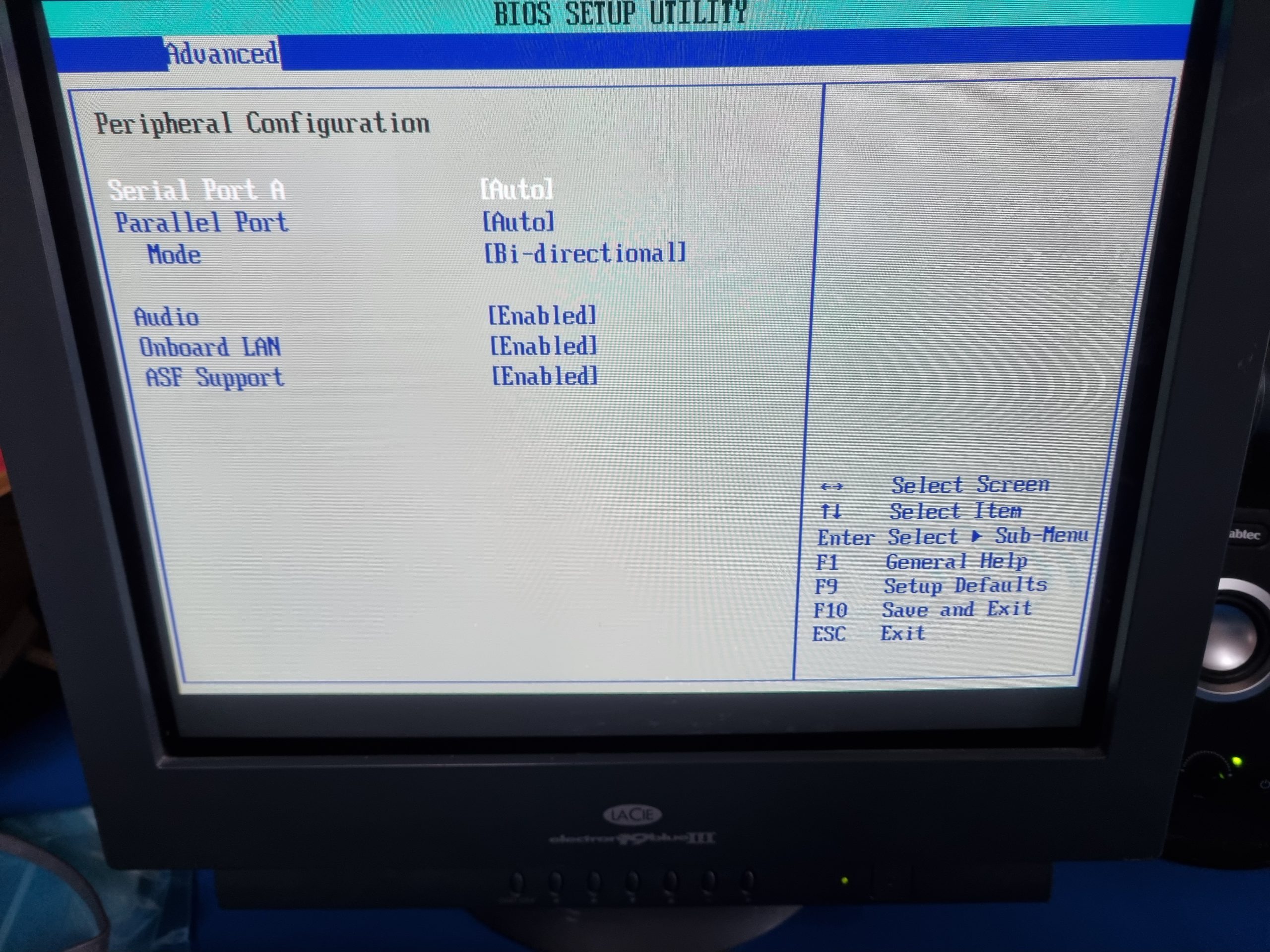
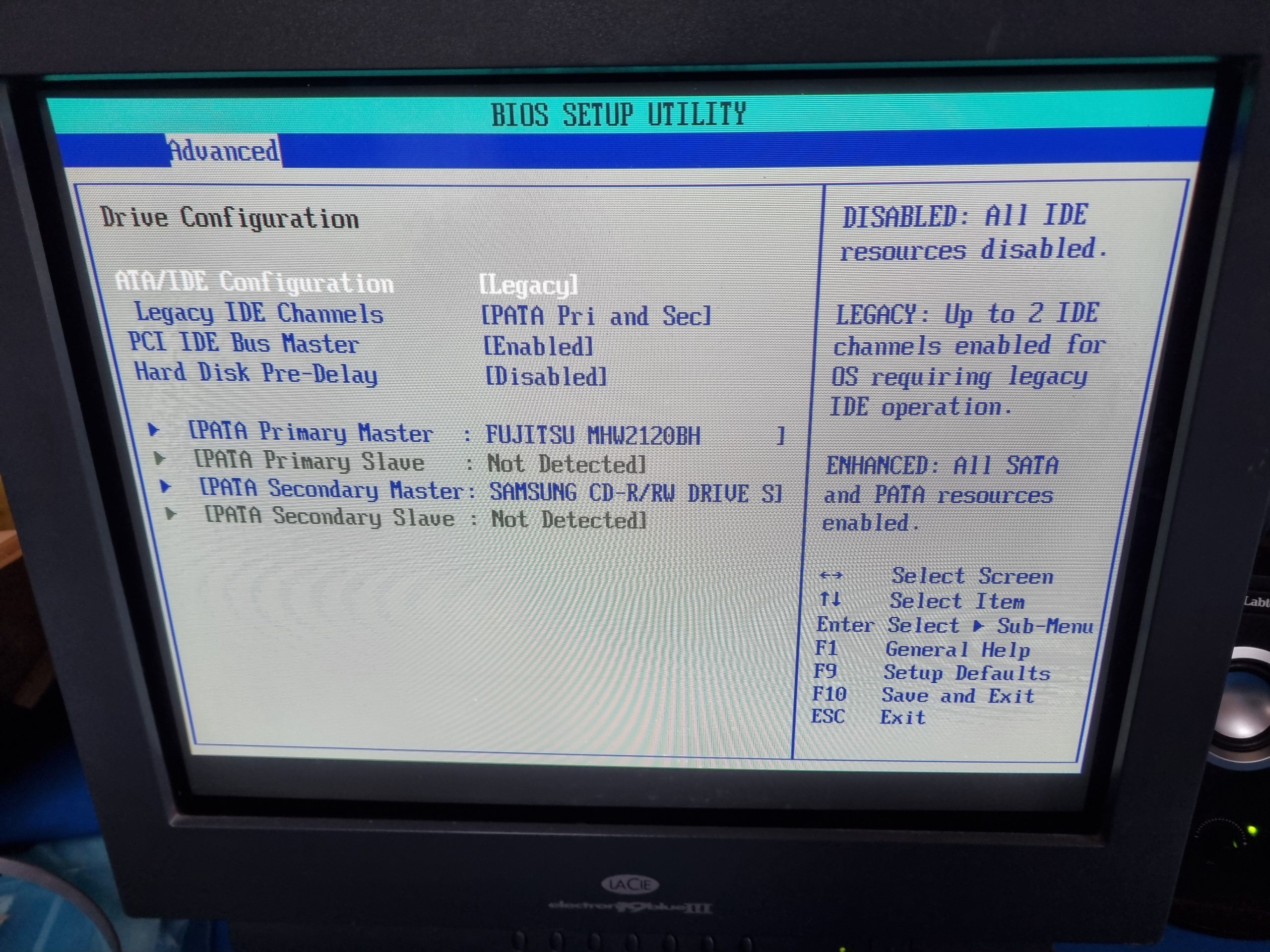
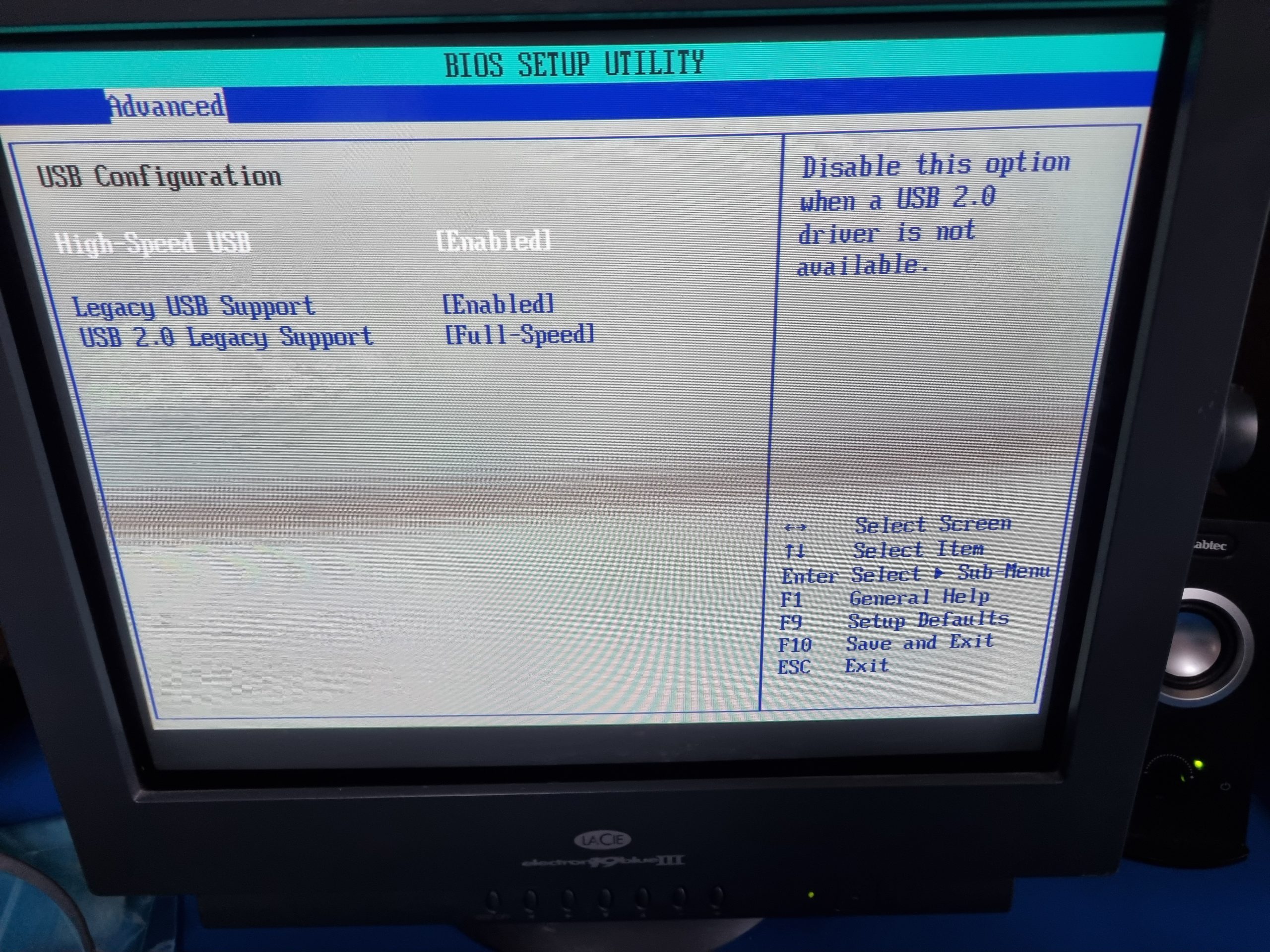
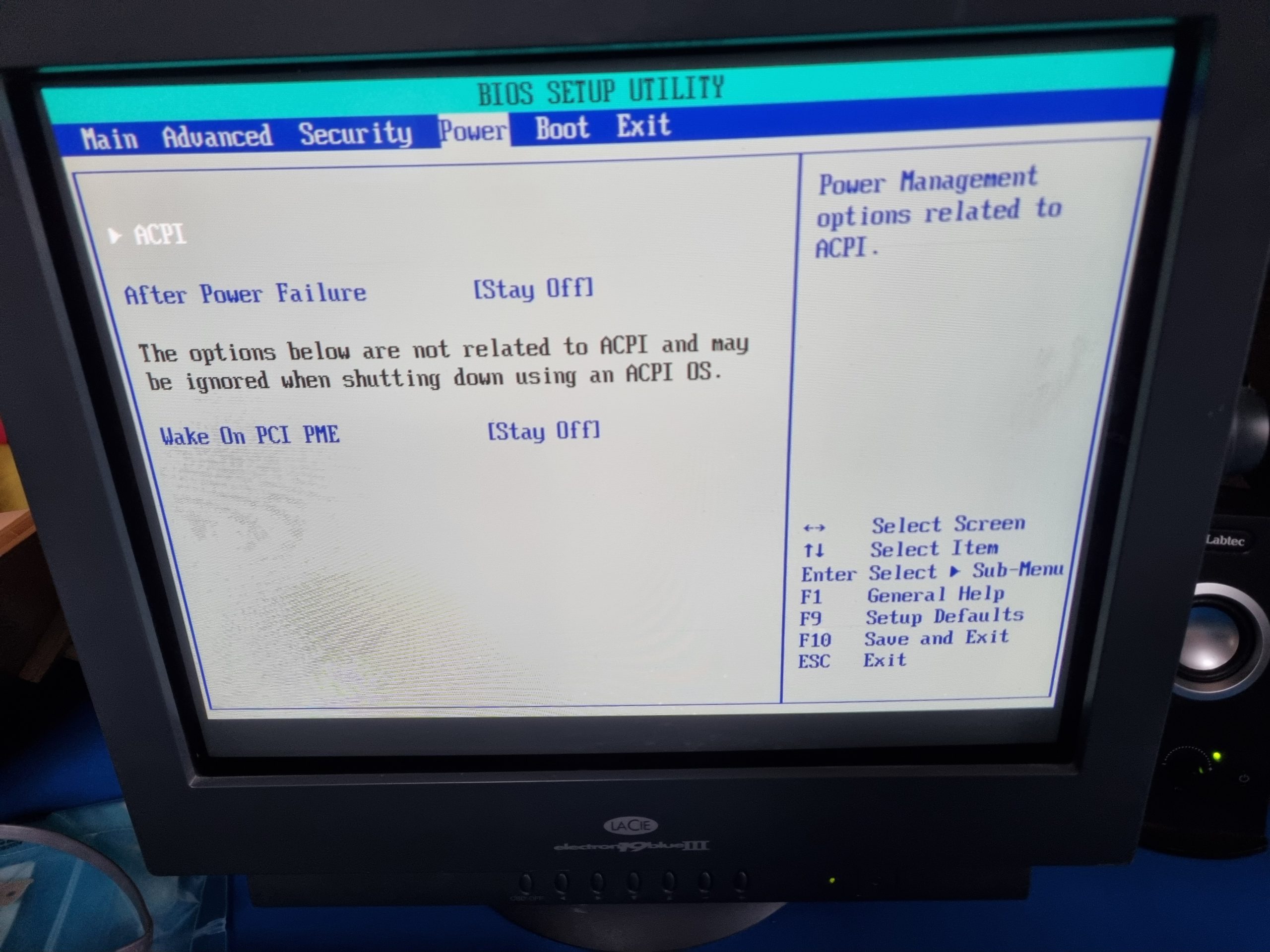
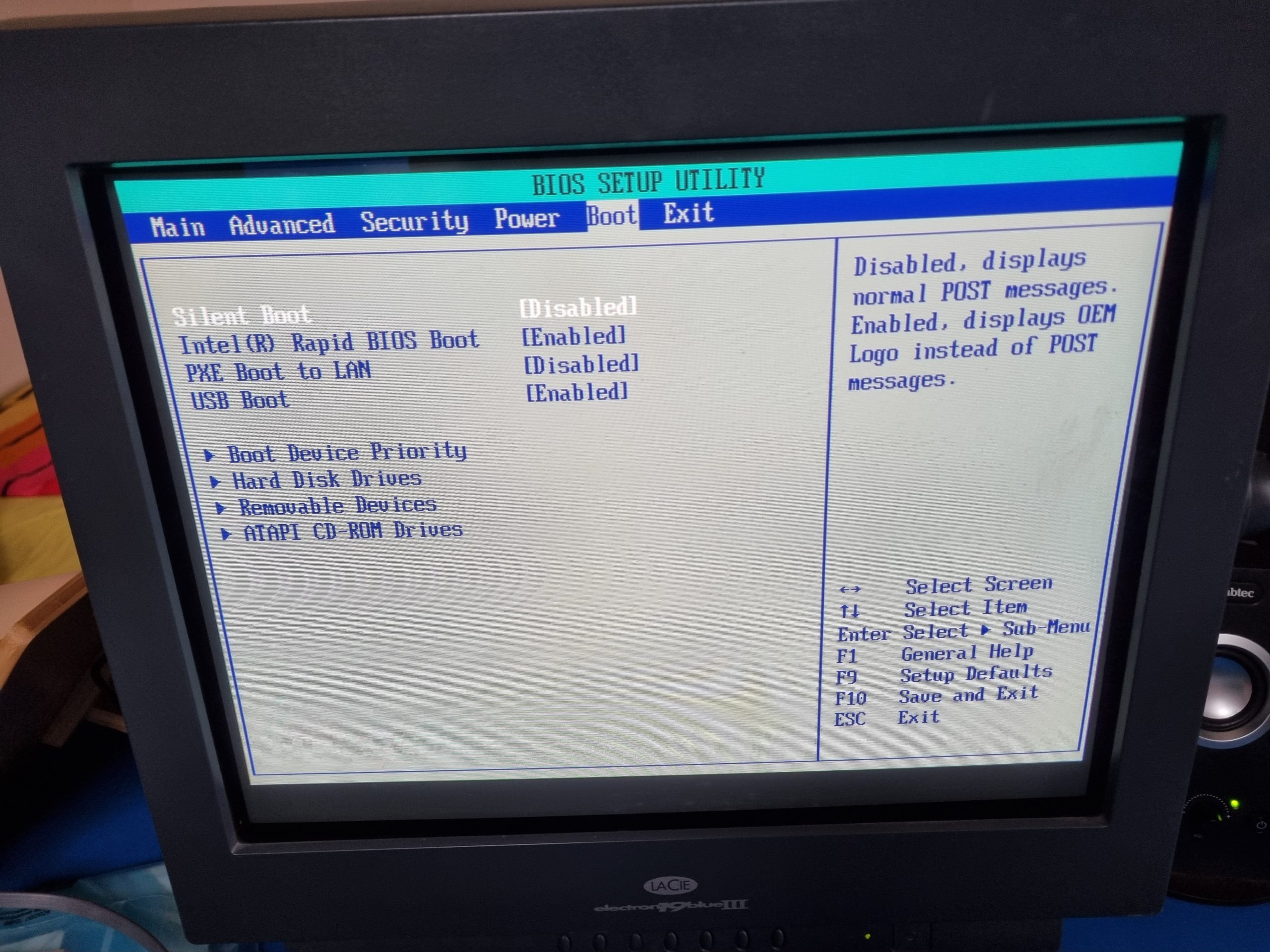
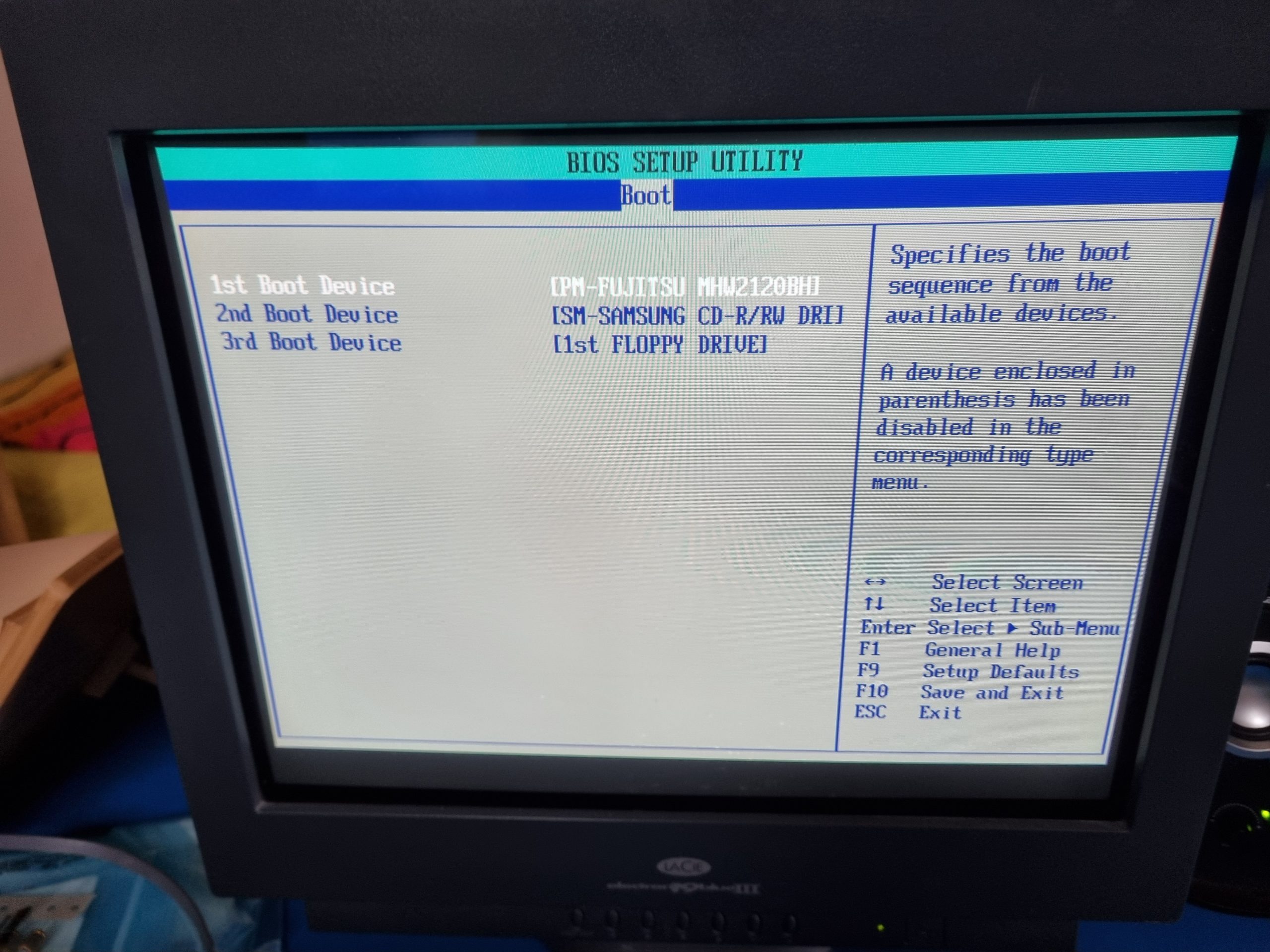
This Pentium 4 PC is for more demanding Windows games up to late 2002. This one was really picky, I haven’t seen so many bluescreens and freezes in some time. But each of those seems to had a reason which was solvable. Time will tell how stable it is, but I believe it should work fine. I was able to install drivers for both integrated LAN and audio. However LAN did not seem to work, maybe something with the connector, who knows. Now audio kind of plays sound but it does not come out of line out, because it thinks that front panel headphones jack is inserted. This is some kind of smart sensing that does not really work anymore. So for both LAN and audio had to add dedicated cards. BIOS settings also important, with different settings than in pics you might get bluescreen or reboots.
- Motherboard: Intel D865GLC
- CPU: Pentium 4
- CPU Cooler: stock cooler (quite silent).
- Video: NVIDIA GeForce4 Ti 4200
- RAM: 1Gb
- OS: Windows 98
- Sound: Sound Blaster Live! 5.1 Digital model: SB0220
- HDD: 120GB 2.5″ SATA with Chinese SATA to IDE adapter
- Network: Realtek RTL8139C Ethernet Controller
- CDROM: Samsung SW-252
- Floppy: Mitsumi 1.44 MB
- PSU: Be Quiet! 450W
- Keyboard and mouse: PS/2 and USB
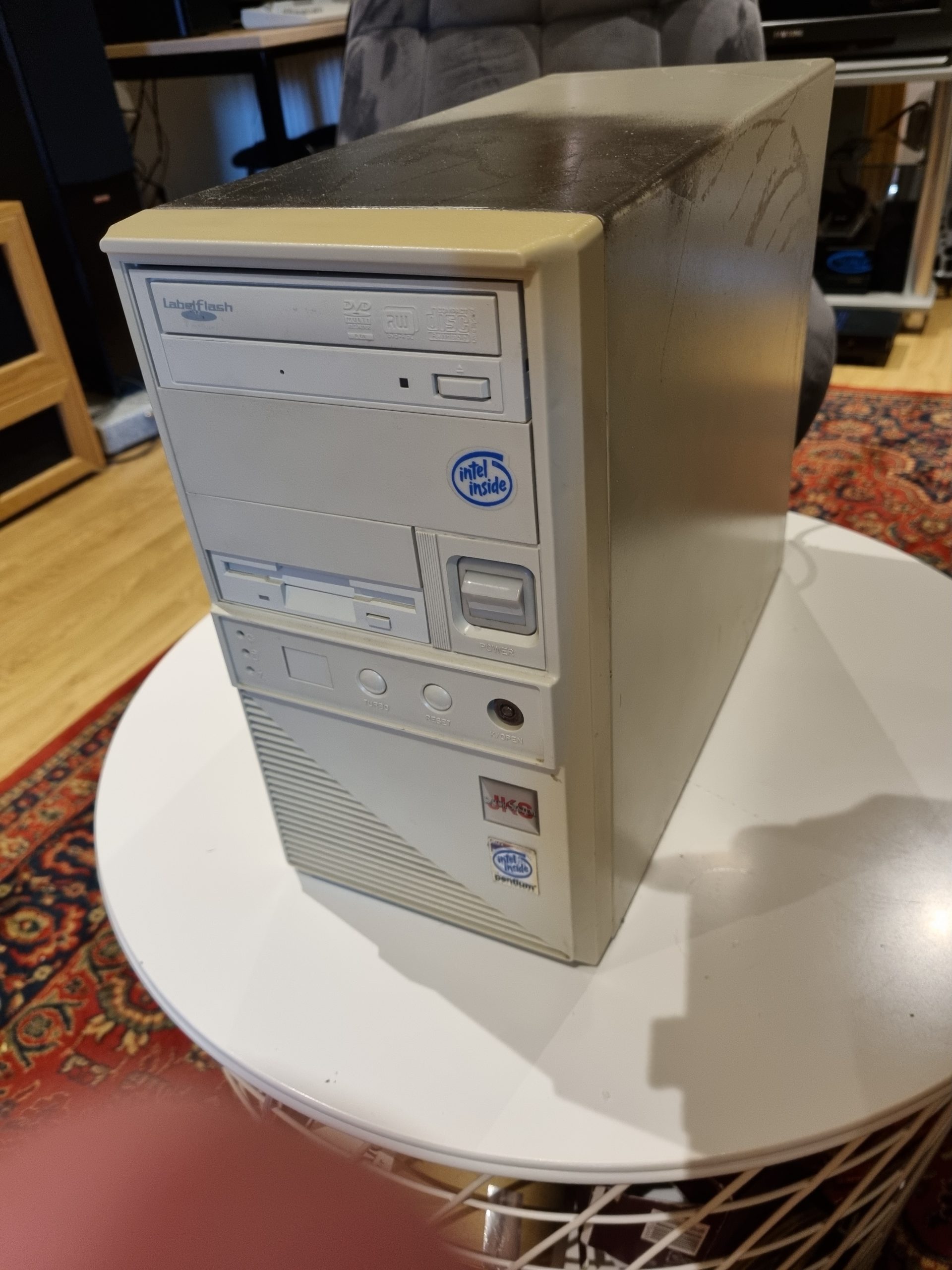
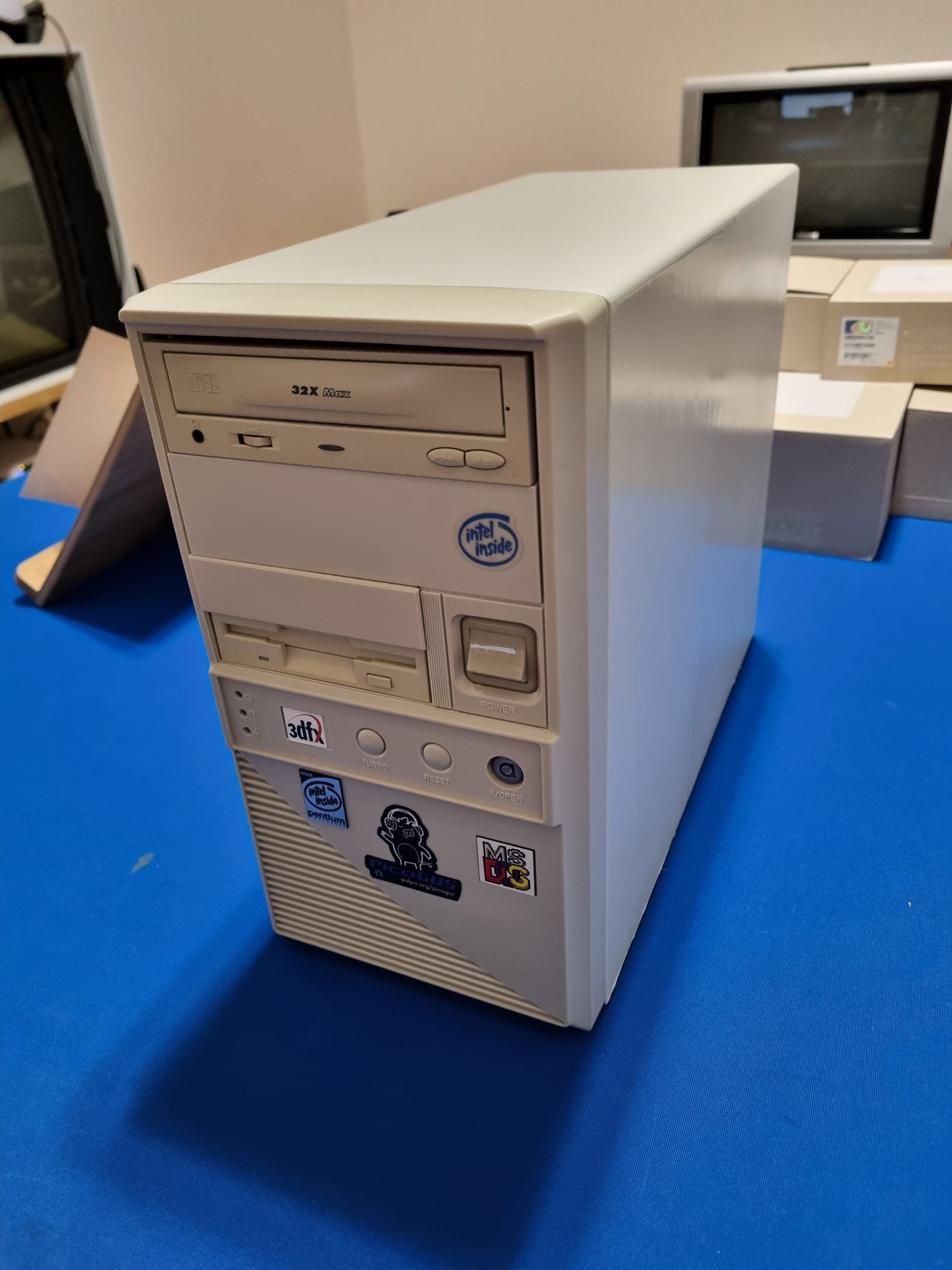
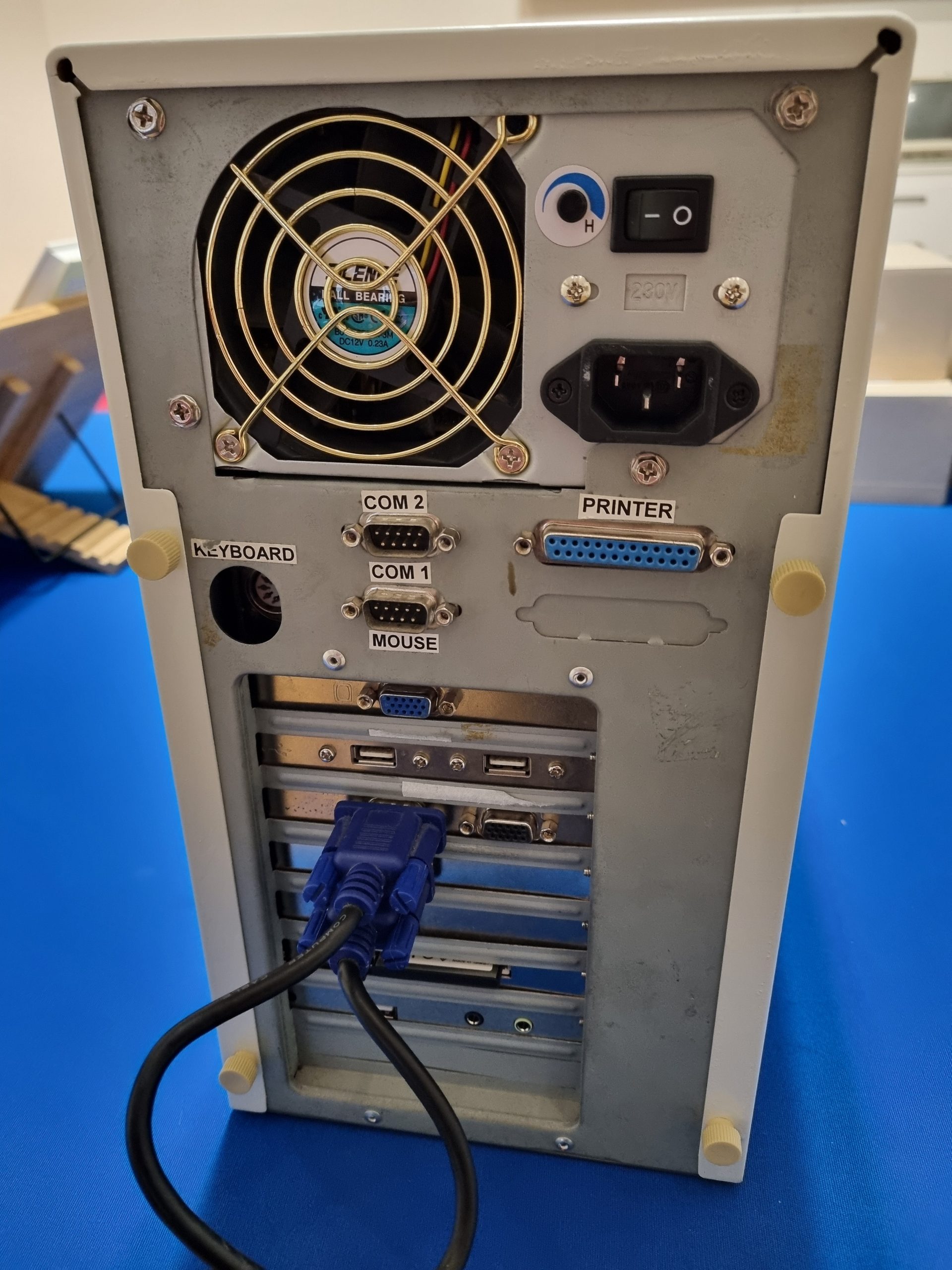
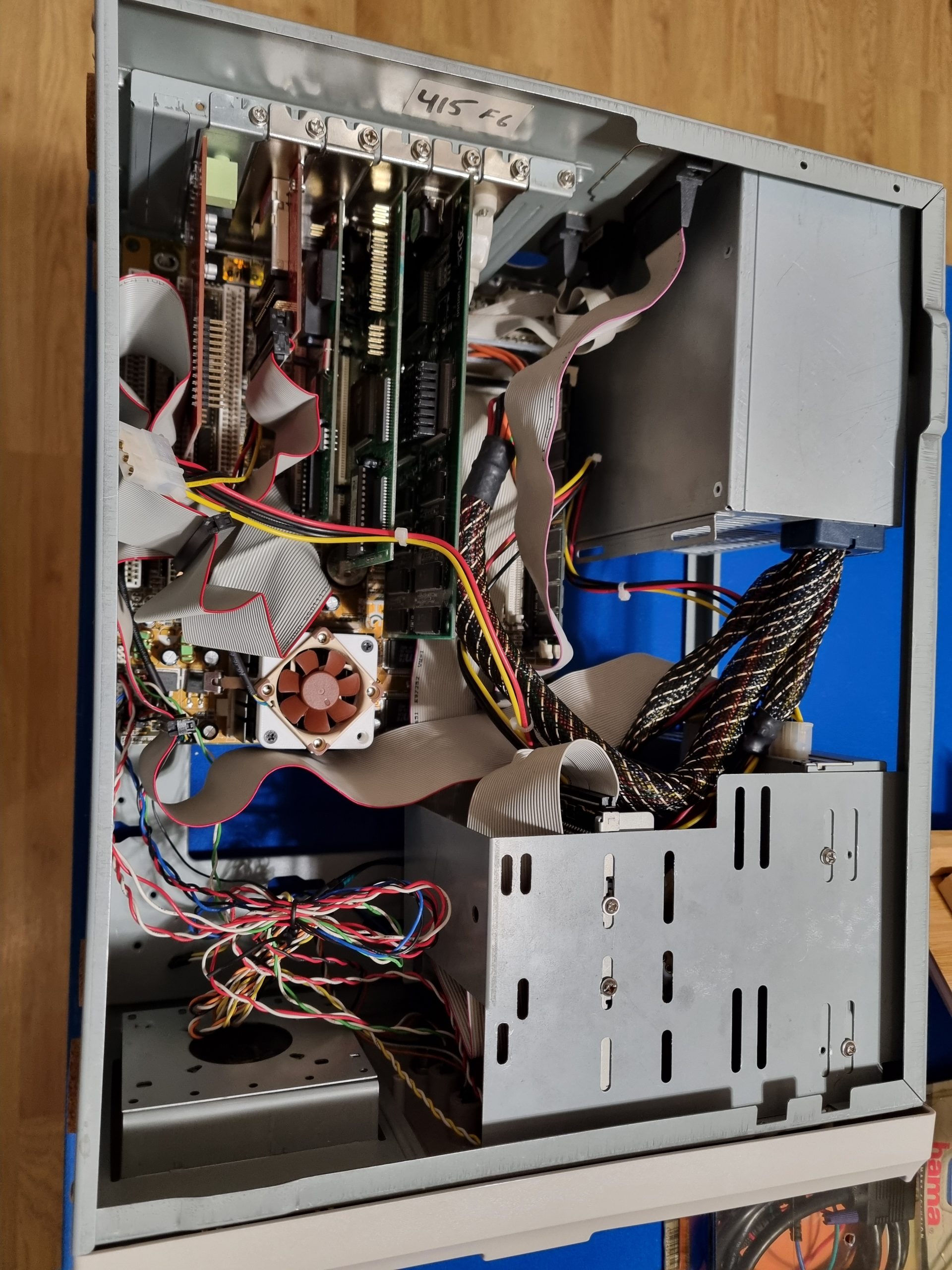
Elitegroup P5SJ-B Rev. 1.1
This 233Mhz MMX computer was the first one I bought when getting back to x86 retro computing. The case was not in a very good state, front panel yellow and scratched metal parts. Had to repaint it.
- Motherboard: Elitegroup P5SJ-B Rev. 1.1
- CPU: Intel Pentium 233Mhz MMX
- CPU Cooler: Noctua
- Video: S3 Virge + VooDoo 3dfx
- RAM: 256 MB
- OS: Windows 98 SE
- Sound: Pico GUS
386SX
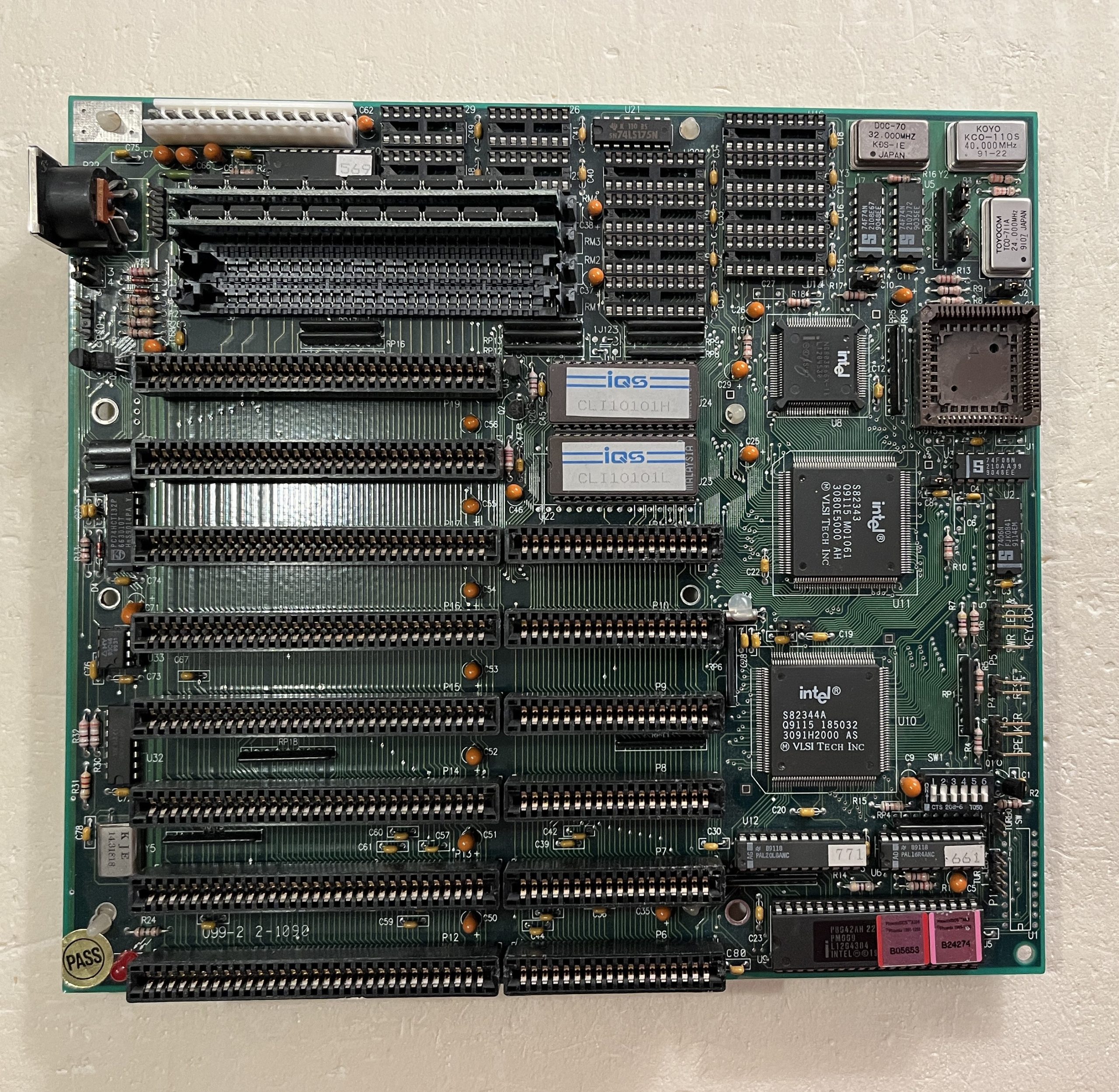
I would consider 386SX to be my first PC even I never owned it, but spent a lot of time with it at my friends place. I even participated when it was bought. Now in 2025 getting a 386 is becoming problematic, maybe because of the battery damage these usually had over the years (this one had external battery). I bought motherboard, network and video cards from my retro colleague in Poland.
- Intel 386 SX-16 motherboard
- 3Com ETHERLINK III (for XTIDE)
- UN-1068 – Hard Disk/Floppy Controller
- Trident TVGA8900D Video Card
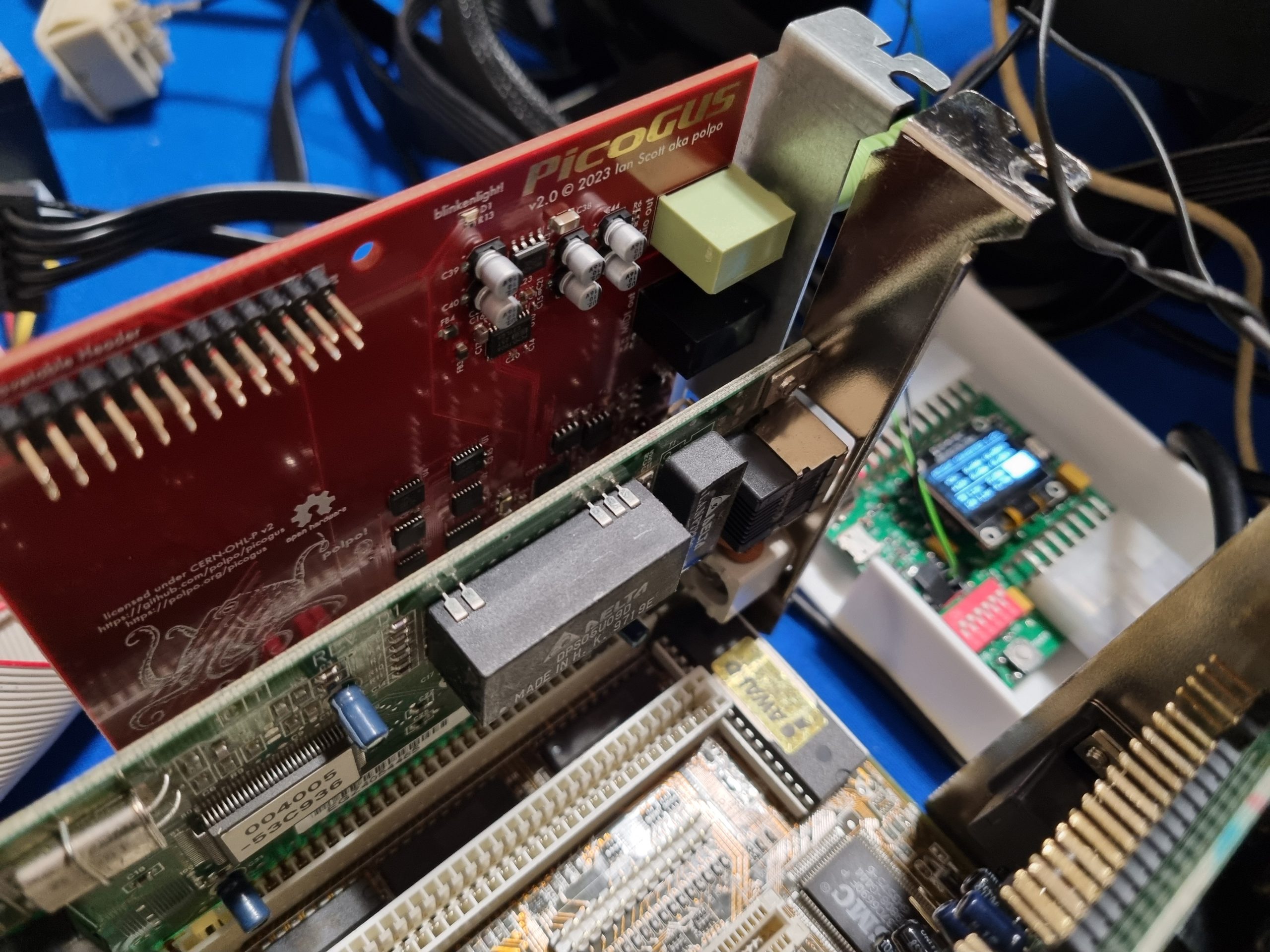
- Sound: Pico GUS
- Startech IDE to CF Card Adapter
- be quiet ATX power supply
- ATX2AT Smart Converter
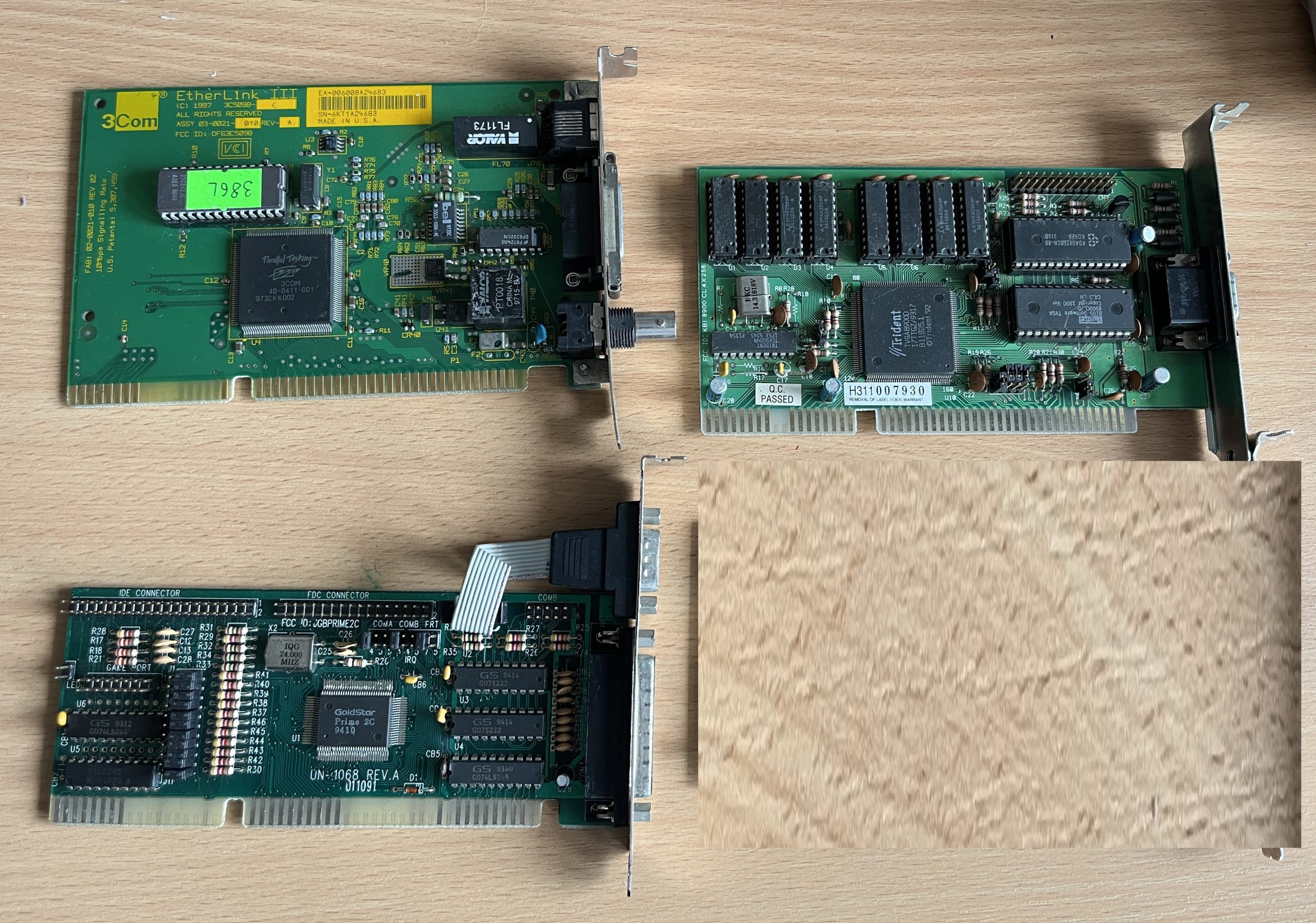
The 3COM network card came with a pre-flashed XTIDE BIOS, which was very convenient. The XTIDE was needed to load IDE from CF card.
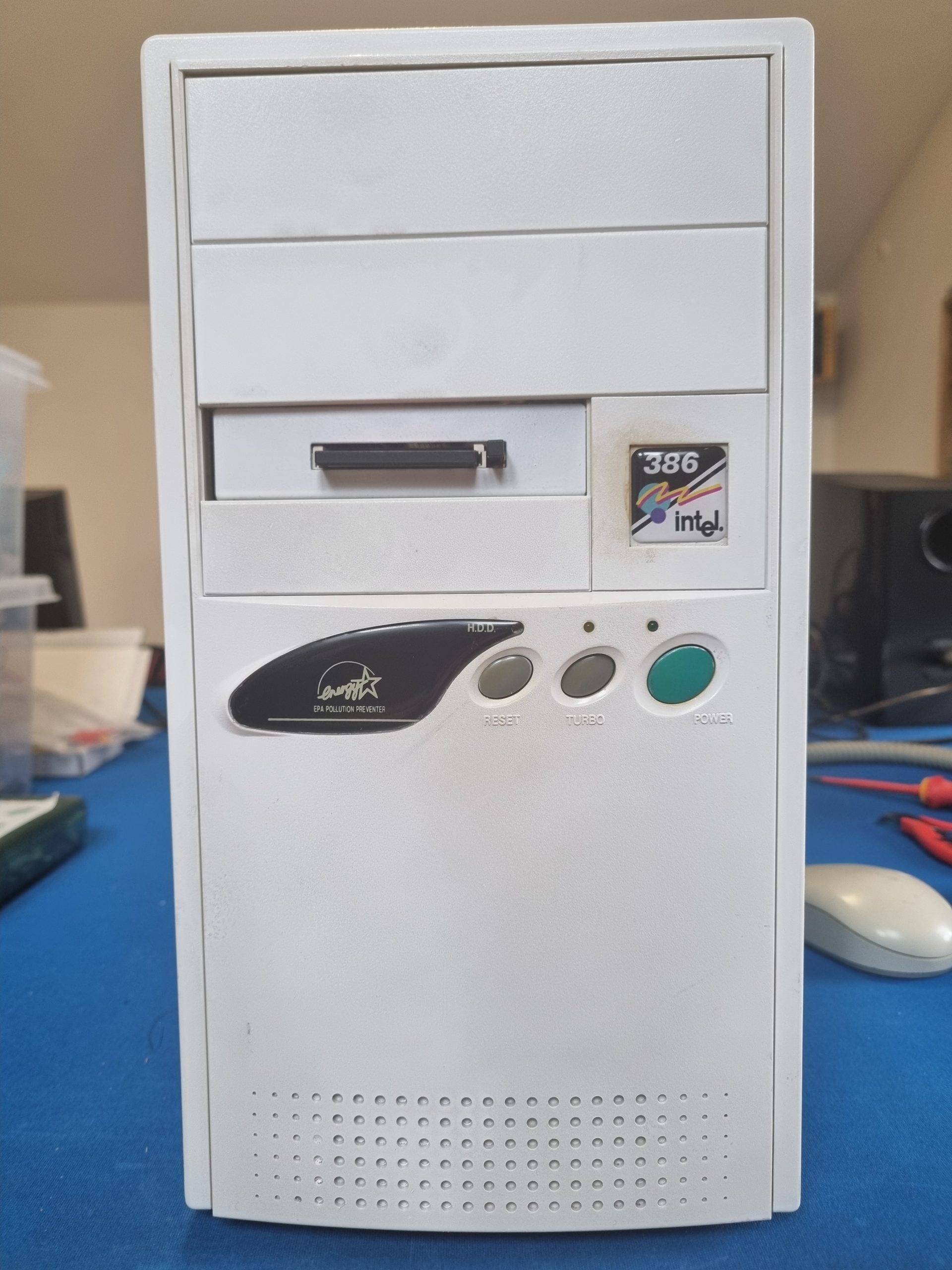
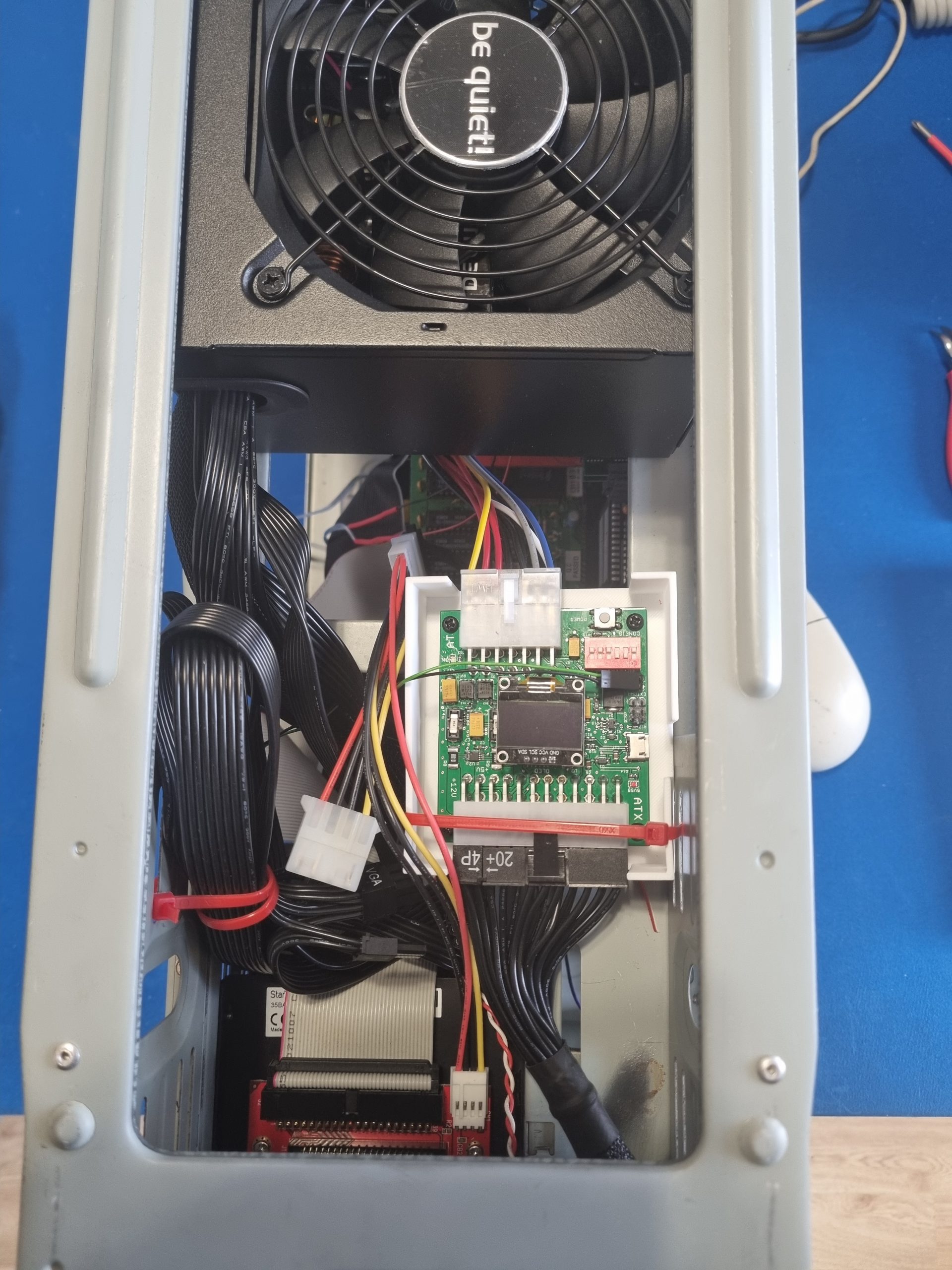
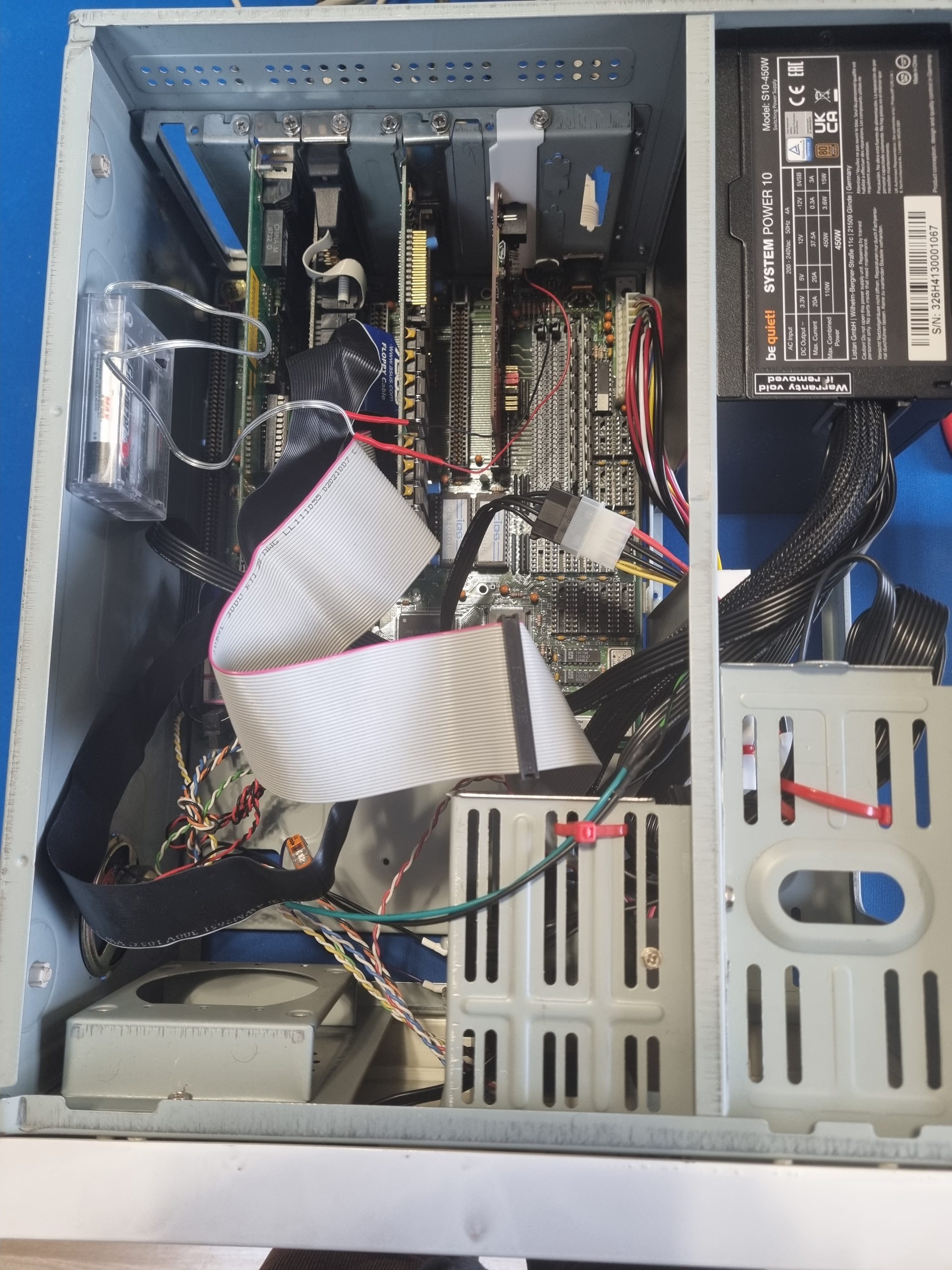
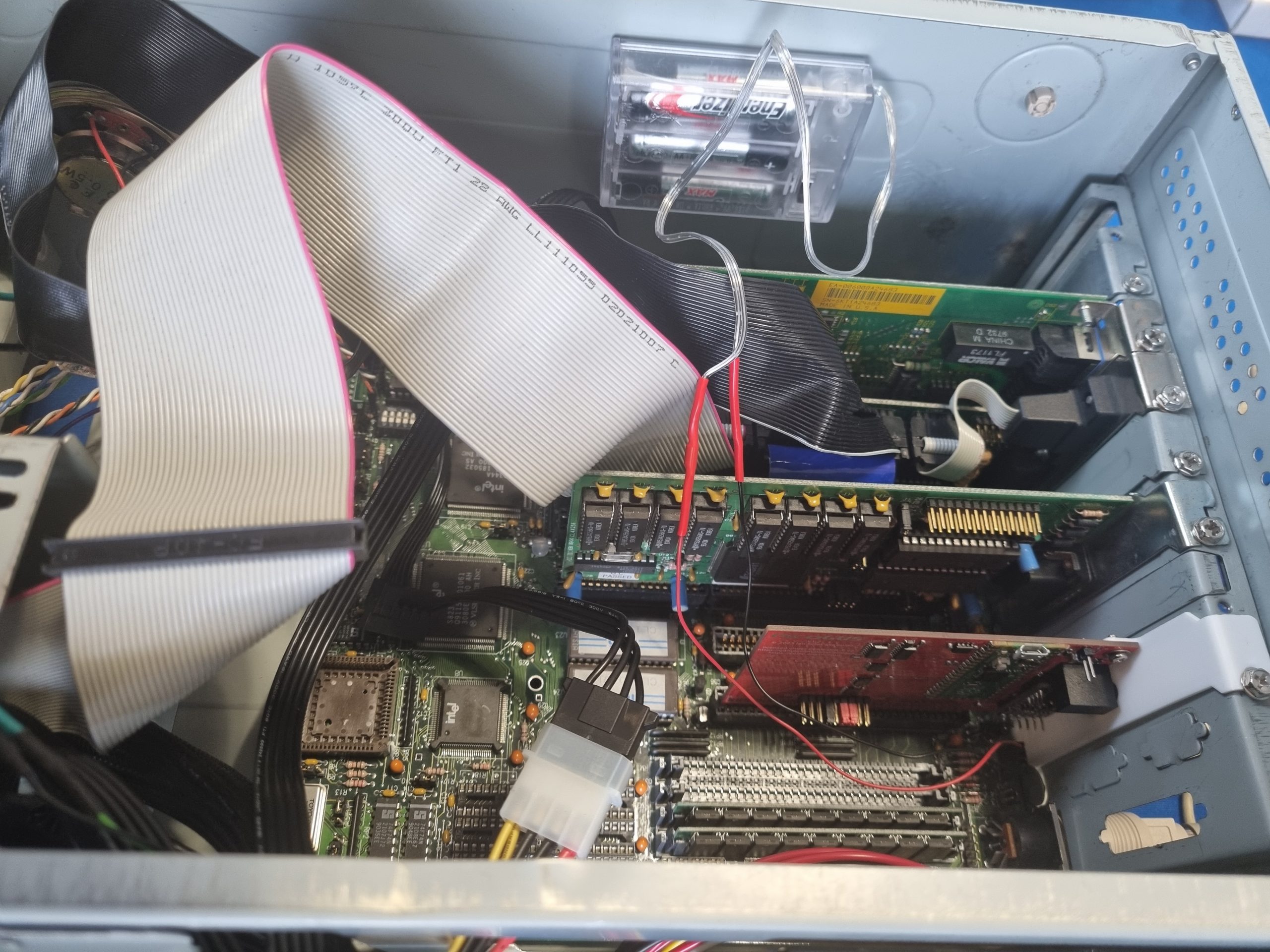
The case is more for a Pentium, but on the other hand it still has Turbo button, which is useful. Had to make my own standoffs using standard nylon standoffs that had to be trimmed. It was pain fitting the cards initially, not sure if because of the case. I had repainted the front panel, but you can see what happens if you try to clean with IPA (around the 386 sticker). The sticker was bought from geekenspiel.com, highly recommend!
As you can see I used my own build ATX2AT smart converter to convert new ATX PSU to AT. There is also my build PicoGUS sound card. What might look weird are those three AA batteries. Yes, this is an external battery for the real time clock. This is maybe the reason why this board survived.
When I added the battery, the BIOS started to retain settings and CF card no longer working. I had to disable any IDE drives in BIOS for CF card to work again. The DOS 6.22 was installed into CF card using VirtualBox. You might find some useful info here.
The Turbo button also works, switches between 8 MHz and 16 MHZ.
Elitegroup P5SV-B Rev. 1.1
This is a 166Mhz MMX computer I bought through local ads. It was fully working, but I’ve renewed some parts to make it more useful. It’s interesting the heatsink is glued to CPU and it is not removable, this is the first time I saw such thing. I had to glue Noctua cooler to the heatsink.
- Motherboard: Elitegroup P5SV-B Rev. 1.1
- CPU: Intel Pentium 166Mhz MMX
- CPU Cooler: Noctua
- Video: ATi mach64 VT
- RAM: 32 MB
- OS: Windows 98 SE
- Sound: ESS AudioDrive 1869
- CDROM drive: DVD SOHC-5232K
- PSU: FSP300-60PNA(PF)
Notes: Initially when I renewed this PC I put it on shelf afterwards and only later on fetch it for documentation. When I turned it on, it complained of BIOS settings being reset (even though battery was replaced pretty recently) and it did not booted for CF card even though it worked fine last time. When I removed the battery I noticed that there is a child protection sticker on the other side… I tried to fidget with the BIOS settings and was not able to make Windows boot. For the future reference here is what I did to make it work: in the BIOS set Primary Master to Auto and Mode to LBA. It should show detected CF card adapter now when starting. Now boot into Windows 98 CD, start with CD rom support to get access to DOS tools. Run fdisk from A: to check if there is an Active DOS partition on CF card. Afterwards run “fdisk /mbr” to rewrite MBR. The run “A:>C:\WINDOWS\COMMAND\SYS C:”, given that C has the files accessible, to restore system files. Remove CD-ROM and reboot. Now it should boot into Windows 98.
The DVD drive in this PC is somewhat picky. I was not able to boot any of my Hiren boot cd’s. But Windows 98 disk does boot, so it kind of works.